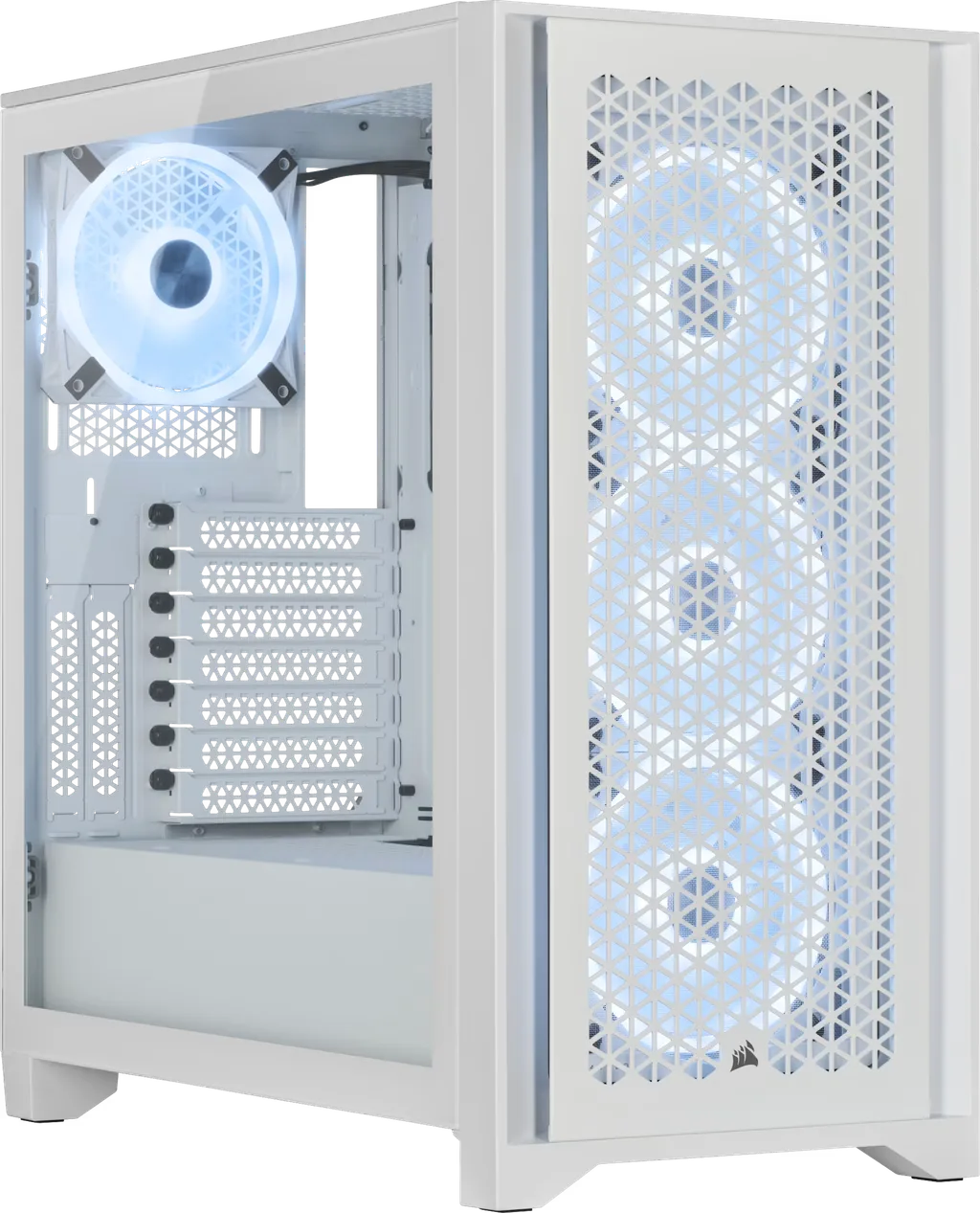
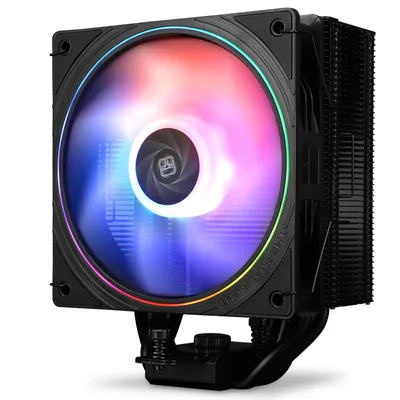
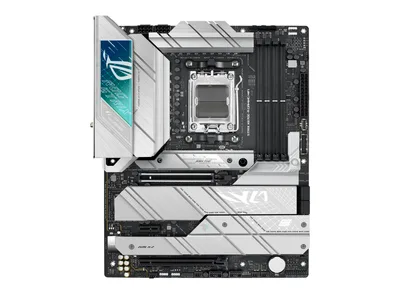
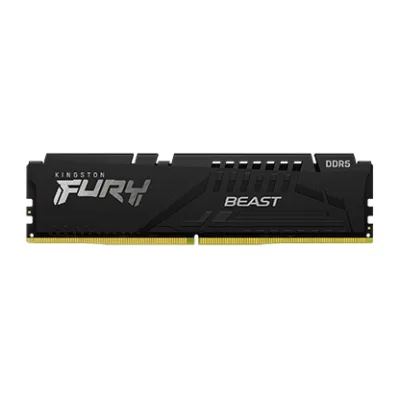
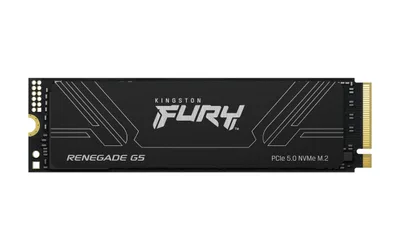
Catalogue photography — not a photo of this machine
This build pairs the Ryzen 7 9800X3D with the ASUS ROG STRIX X670E-A GAMING WIFI for a smooth HTPC experience, featuring Kingston FURY Beast DDR5 RAM and a quiet Thermalright cooler.
- 01
 Ryzen 7 9800X3DProcessorAM5 · 8c · 5.2GHz · 120W—
 - 02ASUS ROG STRIX X670E-A GAMING WIFIMotherboardAM5 · ATX · DDR5—
- 0316GB · DDR5-5200—
- 04156mm—
- 05
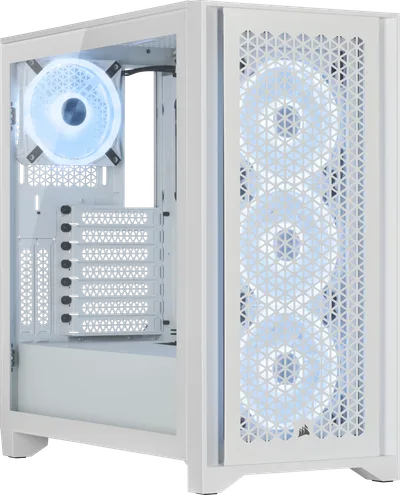 ATX/mATX/ITX—
 - 06
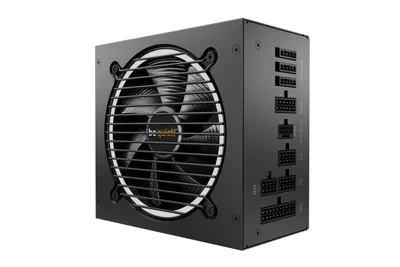 be quiet! Pure Power 12 M 650W gold Full modularPower supply650W · 80+ gold · ATX—
 - 07Kingston FURY Renegade G5Storage4096GB · M.2—
7 comments
Make sure to update the BIOS on that ASUS board before dropping in the 9800X3D for the smoothest boot experience.
@joris46 Good point about the BIOS update — the X670E chipset will need it for the 9800X3D to work right out of the box.
@niels_pixel Thanks for the heads-up; I'll make sure to flash the BIOS before installing the CPU to avoid any hiccups.
Make sure to check the front panel connectors on the Corsair 4000D against the motherboard manual to get the RGB and buttons working properly.
Good call on the BIOS update — it's definitely a time-saver with the 9800X3D. The ASUS board should handle it well once that's taken care of.
@eva_rail Agreed, the BIOS update will save a lot of trouble with the 9800X3D. The ASUS board is a solid pick for this build.
@itxfan Any particular reason you went with the 650W PSU, or is that just a starting point for this setup?
Register and verify your email to join the conversation.