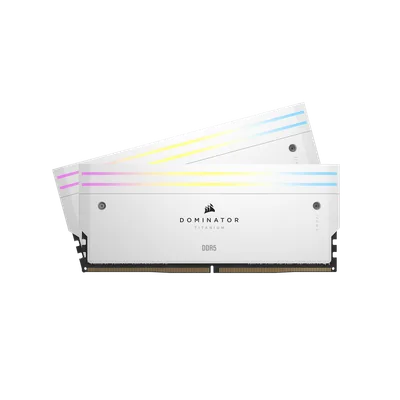
Catalogue photography — not a photo of this machine
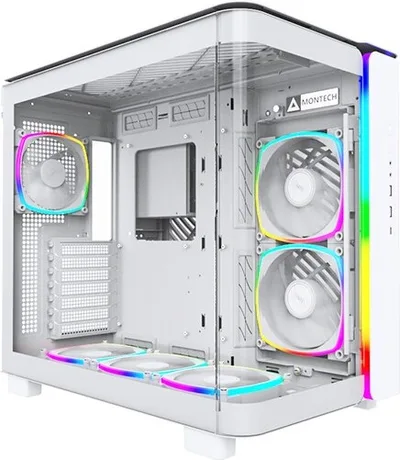
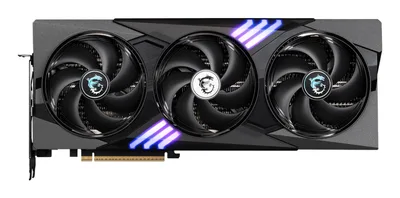
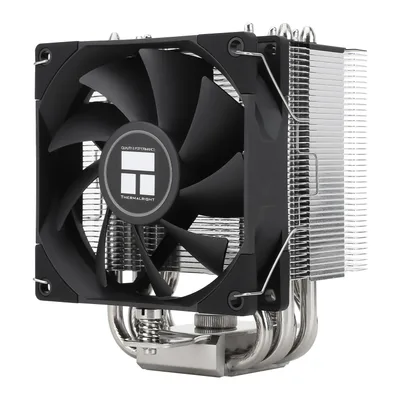
This build pairs the Intel Core Ultra 9 285K with an RTX 5070 Ti for smooth performance, all cooled by a Thermalright Assassin King 90 in a sleek Montech KING 95 PRO case.
- 01
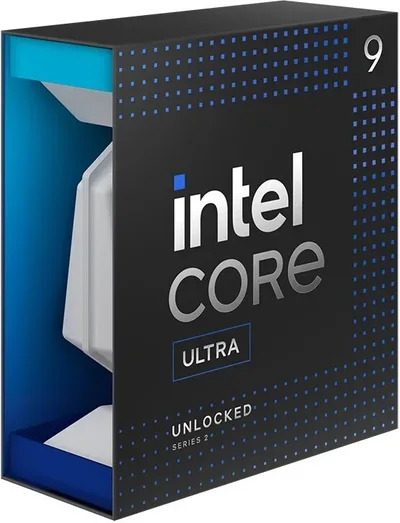 Intel Core Ultra 9 285KProcessorLGA1851 · 24c · 5.7GHz · 125W—
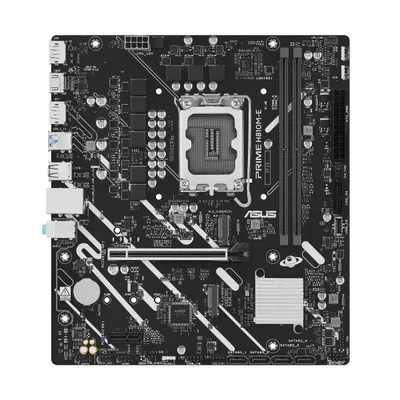
 - 02ASUS PRIME H810M-E-CSMMotherboardLGA1851 · mATX · DDR5—
- 0348GB · DDR5-7200—
- 04125mm—
- 0516GB · 338mm · 220W—
- 06
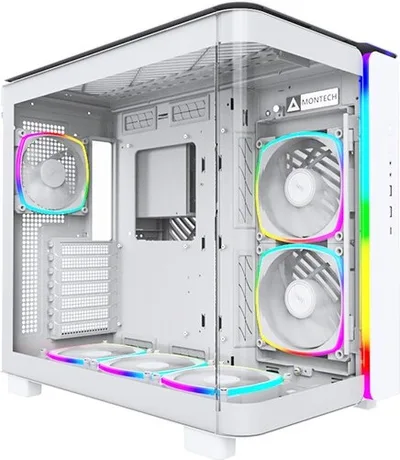 ATX/mATX/ITX—
 - 07
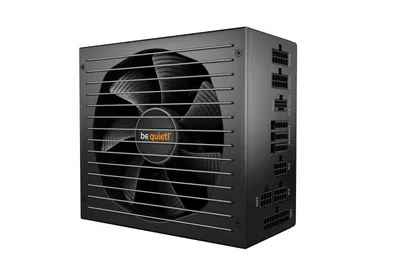 1500W · 80+ platinum · ATX—
 - 08
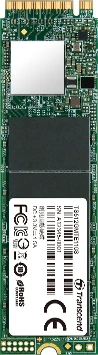 Transcend 110SStorage1000GB · M.2—
9 comments
Nice selection with the RTX 5070 Ti and 48 GB of DDR5 RAM — that should handle most demanding tasks smoothly. The cooler and PSU also seem well-matched for this build.
What specific tasks or games are you planning to run on this build, especially with the 48 GB of RAM and the RTX 5070 Ti?
@lisa_cache With 48 GB of DDR5 RAM, you'll have plenty of headroom for heavy multitasking and memory-intensive applications, making swaps and large file edits smoother.
@fastpcb That's a solid amount of RAM for multitasking and large files, but be sure to test your real-world usage to see if it's fully utilized.
@bram54 Interesting choice with the 48 GB RAM; it could be overkill for most games, but great for heavy multitasking. Curious why you went for such a high capacity instead of a more typical 32 GB setup?
@sanne_builds That 48 GB RAM kit should provide a noticeable difference in heavy multitasking and large file work, though it may sit unused in lighter gaming scenarios. Testing real use will show if the extra capacity is beneficial.
@tim63 I'm curious about the choice of the 48 GB RAM for this build—do you anticipate specific multitasking or application scenarios that would really benefit from that amount of memory?
Make sure to check your motherboard's BIOS for the latest memory profile to get the most out of that DDR5-7200 RAM.
@greyframe Good point about checking the BIOS for the memory profile — getting the right settings will be key to achieving those DDR5 speeds.
Register and verify your email to join the conversation.