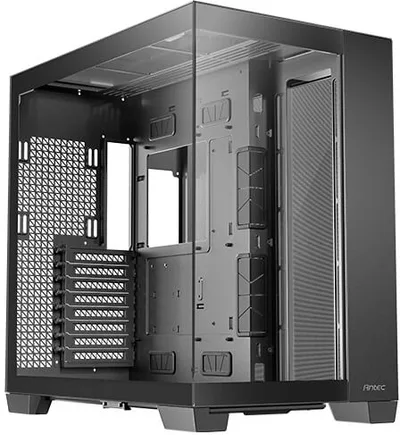
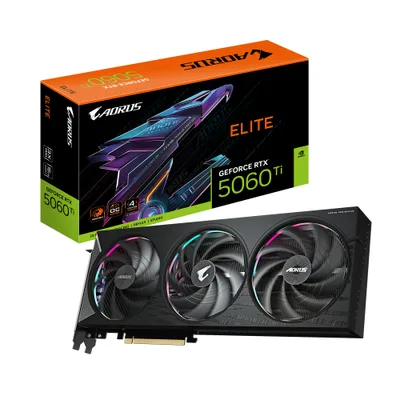
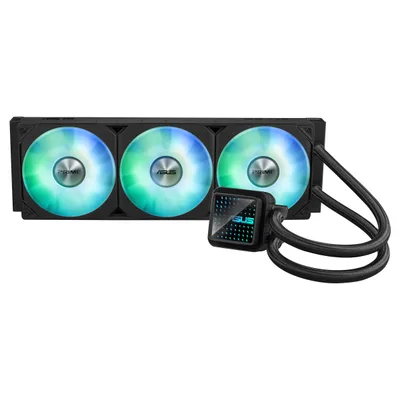
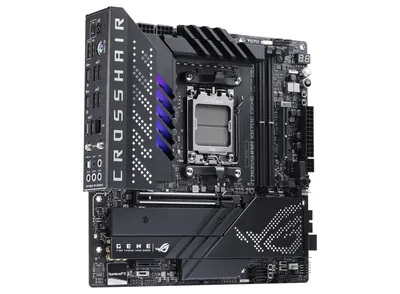
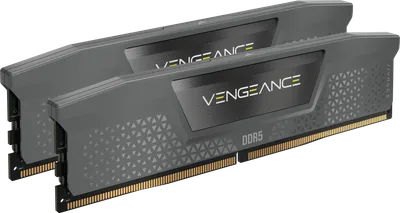
Catalogue photography — not a photo of this machine
This build pairs the Ryzen 7 8700F with the ASUS ROG X670E Gene and a Gigabyte RTX 5060 Ti for solid 4K gaming, cooled by an Asus 360 ARGB AIO and powered by a Thermaltake GF1 PSU.
- 01
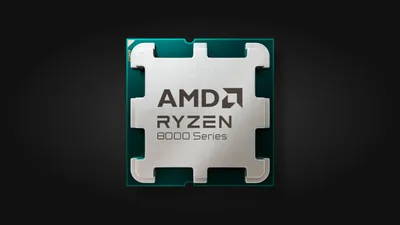 AMD Ryzen 7 8700FProcessorAM5 · 8c · 5GHz · 65W—
 - 02ASUS ROG CROSSHAIR X670E GENEMotherboardAM5 · mATX · DDR5—
- 0364GB · DDR5-5600—
- 04Asus Prime LC 360 ARGBCooler27mm—
- 0516GB · 329mm · 220W—
- 06
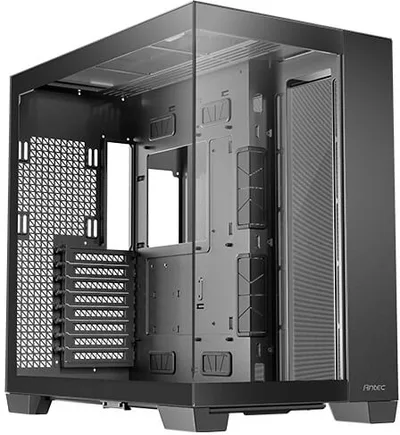 Antec C8CaseE-ATX/ATX/mATX/ITX—
 - 07
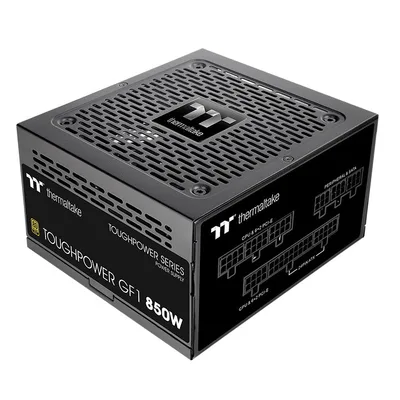 Thermaltake Toughpower GF1 (2024)Power supply750W · 80+ gold · ATX—
 - 08
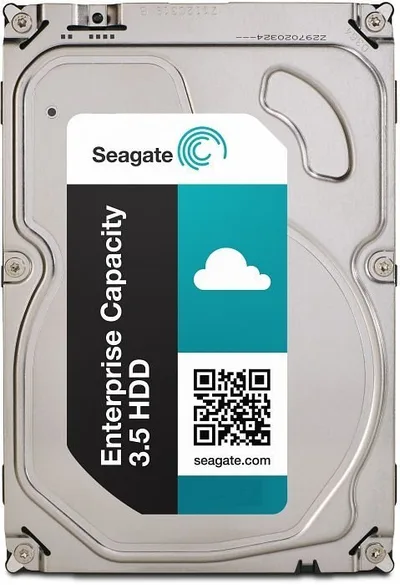 2000GB · SATA—
9 comments
Looks like a solid setup for 4K gaming! The 64 GB of DDR5 RAM should give you plenty of headroom for multitasking and future-proofing.
Nice choice with the 64 GB DDR5; it should handle heavy multitasking well, especially with modern games and applications. The motherboard also seems ready for future upgrades.
How do you plan to manage cable routing and airflow inside the Antec C8 case with that long GPU and the LC 360 cooler?
How do you expect the 5400rpm HDD to affect load times in games compared to a faster SSD?
@larsbuilds Thanks for the question. I haven't tested it yet, so I can't say for sure, but I'm aware the HDD will likely mean slower load times than an SSD. I plan to upgrade storage later once I can.
Agreed, the 64 GB DDR5 is a smart move for multitasking and future-proofing. The setup looks solid for 4K gaming once everything is tuned.
@tim63 Thanks! I went with the 64 GB to ensure smooth multitasking and keep the system ready for future games and apps. Can't wait to get it tuned and gaming at 4K.
Make sure to update the BIOS on the X670E Gene before installing the 8700F for optimal compatibility and performance with DDR5 and the new CPU features.
@coldfan I get the BIOS update note, but how much of a difference do you think it will actually make with the 8700F and DDR5 performance?
Register and verify your email to join the conversation.