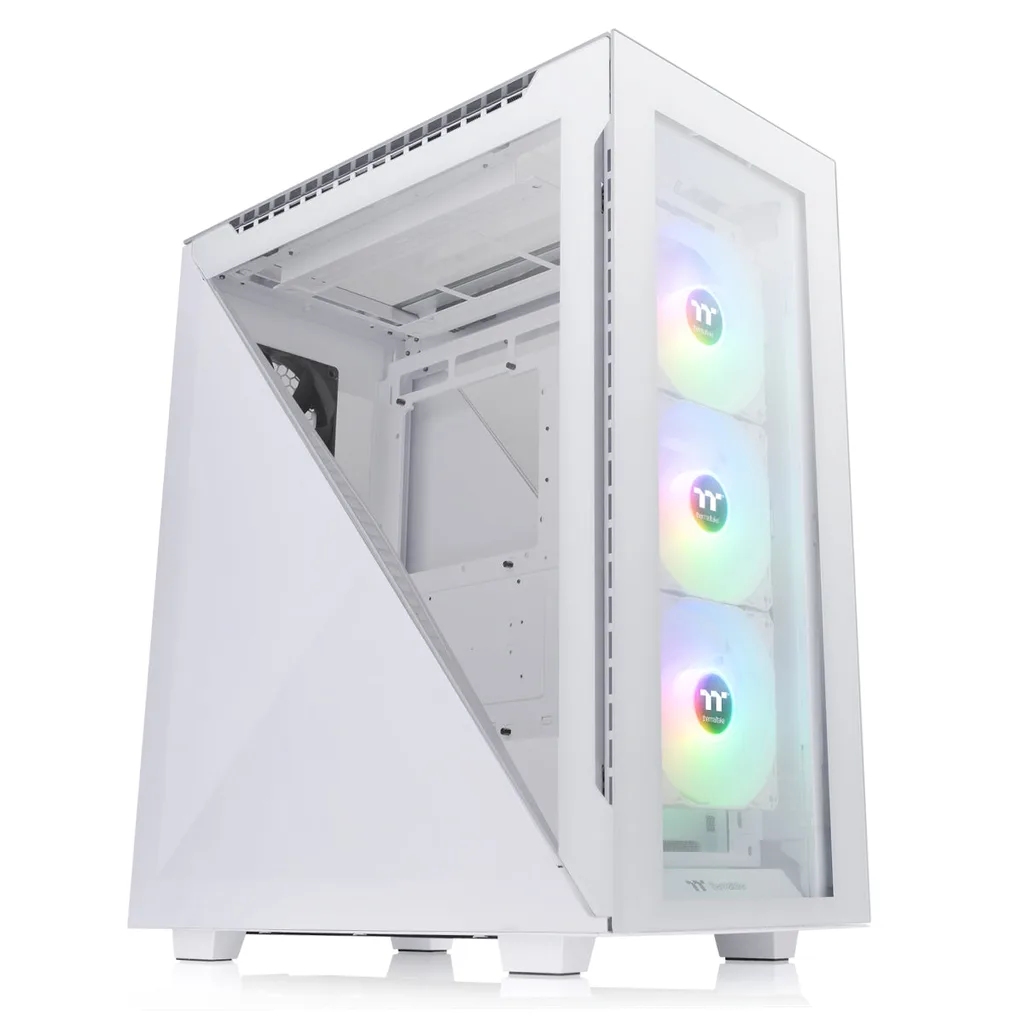
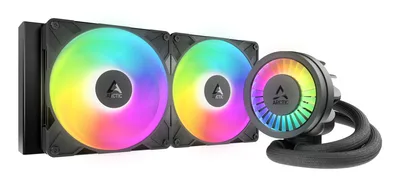
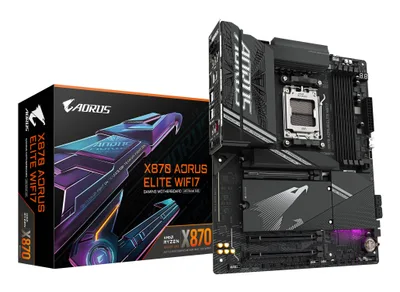
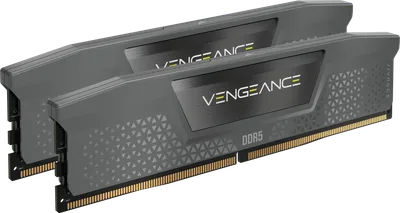
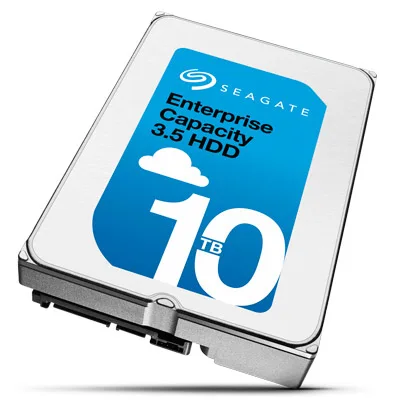
Catalogue photography — not a photo of this machine
SkyHawk Homelab Powerhouse
This build pairs the Ryzen 7 9800X3D with Seagate SkyHawk AI storage, cooled by ARCTIC Liquid Freezer III 280, in a sleek Thermaltake Divider 500 TG ARGB Snow case.
- 01
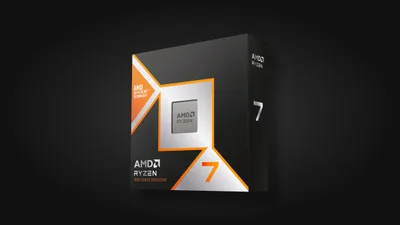 Ryzen 7 9800X3DProcessorAM5 · 8c · 5.2GHz · 120W—
 - 02Gigabyte X870 AORUS ELITE WIFI7MotherboardAM5 · ATX · DDR5—
- 0364GB · DDR5-5600—
- 0438mm—
- 05
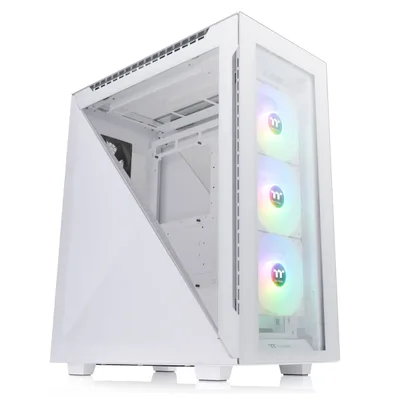 ATX/mATX/ITX—
 - 06
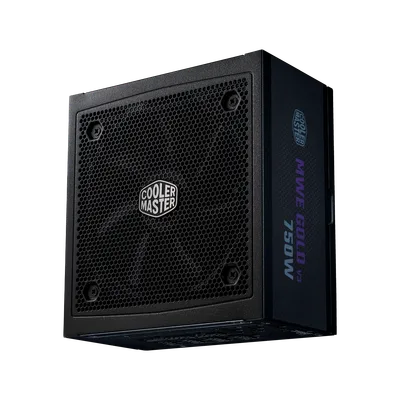 Cooler Master MWE Gold 750 V3Power supply750W · 80+ gold · ATX—
 - 0710000GB · SATA—
10 comments
Great choice with the Ryzen 7 9800X3D for a homelab setup; it should handle heavy workloads well. The 64 GB RAM will also give you plenty of headroom for multitasking.
@maxbouwt I'm curious why you went with the 750W PSU for this setup. Seems a bit undersized for a homelab with that storage and potential expansion, right?
@budgetbeast Thanks for the note. I’m still finalizing the full loadout, so the PSU wattage is something I’m keeping an eye on as I plan any expansions.
@pixelpusher Good call on monitoring the PSU wattage as you expand; it’s smart to plan ahead for potential upgrades.
@finn96 Thanks, I appreciate the reminder—planning the PSU for future upgrades is definitely on my mind.
Make sure to check your motherboard's BIOS for any updates or settings that can optimize performance for server-like workloads. It could give your homelab a nice little boost.
@framechaser Thanks for the tip! I’ll definitely check the BIOS for any optimizations once I get the board installed and everything is up and running.
@pixelpusher Agreed, checking the BIOS for optimizations is a smart move. The Gigabyte X870 AORUS ELITE WIFI7 should offer some useful settings for tweaking performance once everything is set up.
What specific workloads or applications are you planning to run on this homelab setup, as it will help determine if the current cooling solution is adequate?
I'm curious about the choice of the 64 GB DDR5 RAM for this homelab build. Could you share the main tasks you expect it to handle that require such a large amount of memory?
Register and verify your email to join the conversation.