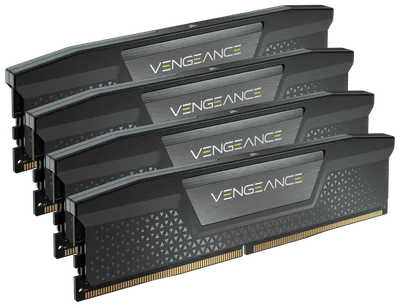
Catalogue photography — not a photo of this machine
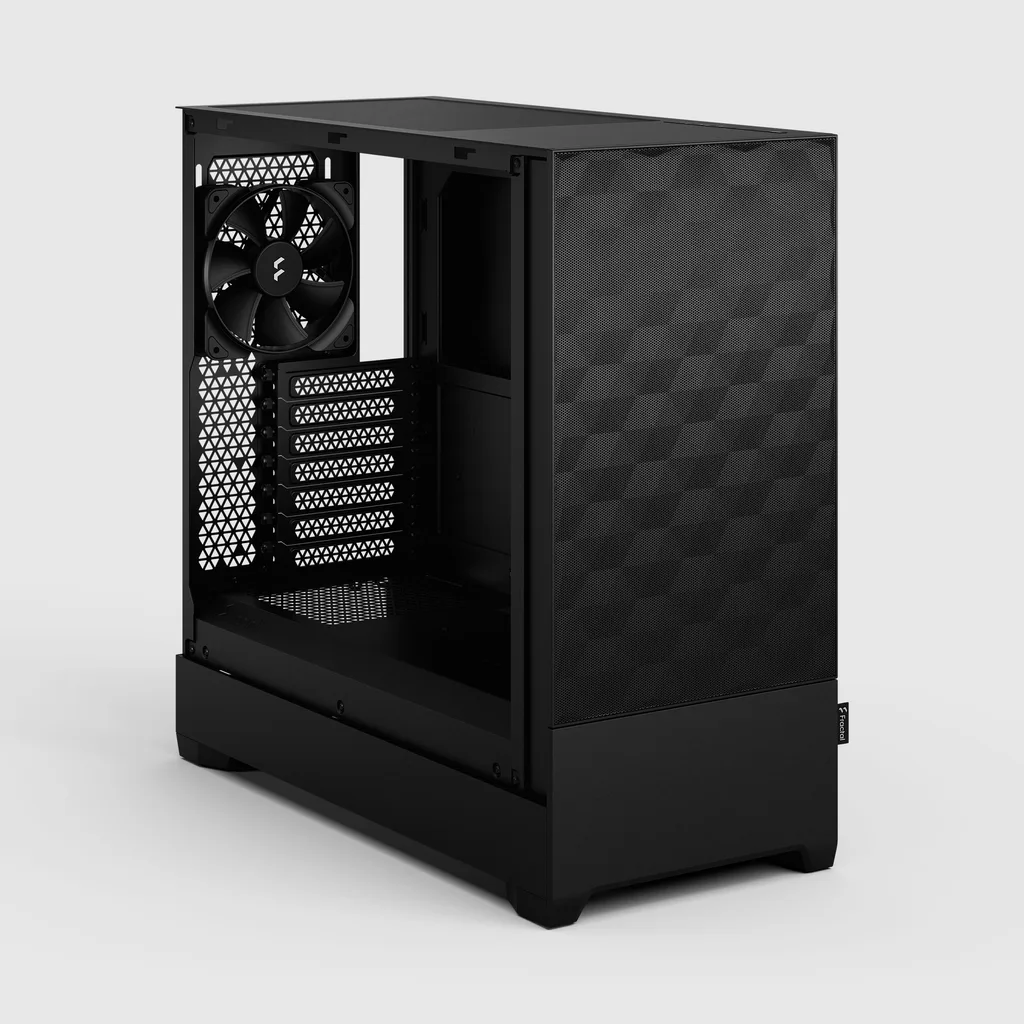
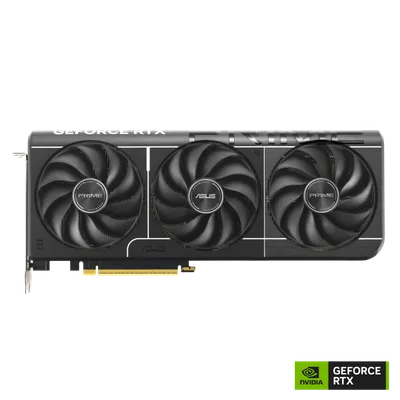
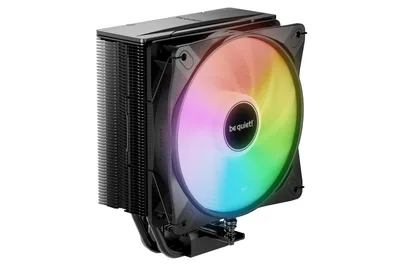
This build pairs the Ryzen 7 8700F with a RTX 5070 for buttery 1080p gaming, cooled by the quiet be quiet! Pure Rock 3 LX, all housed in the stylish Fractal Design Pop Air.
- 01
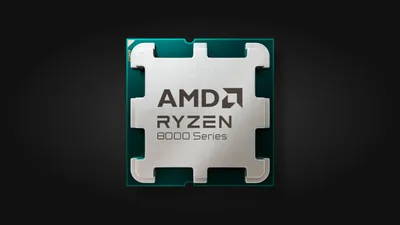 AMD Ryzen 7 8700FProcessorAM5 · 8c · 5GHz · 65W—
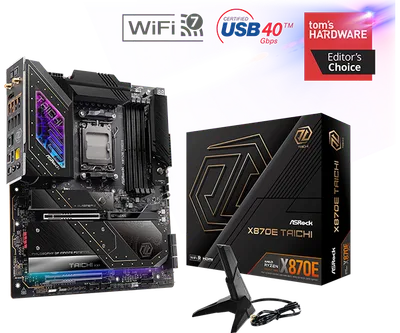
 - 02ASRock Phantom Gaming X870E Nova WiFiMotherboardAM5 · ATX · DDR5—
- 0364GB · DDR5-5600—
- 04be quiet! Pure Rock 3 LXCooler154mm—
- 0512GB · 304mm · 220W—
- 06
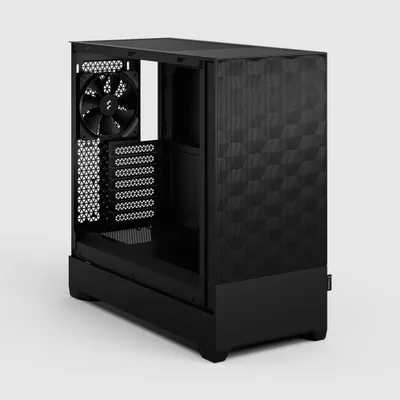 ATX/mATX/ITX—
 - 07
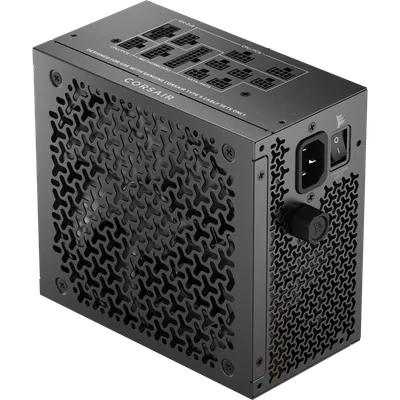 Corsair RM1000x SHIFT (Black)Power supply1000W · 80+ gold · ATX—
 - 08
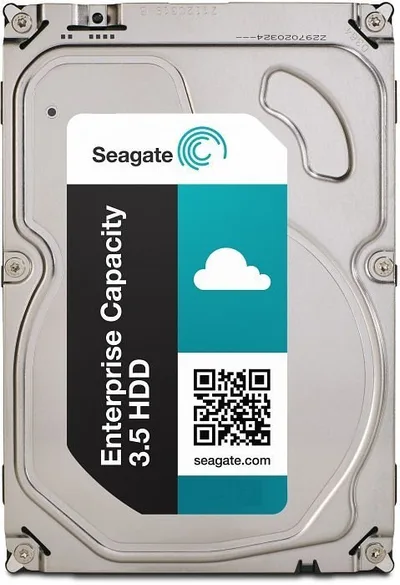 1000GB · SATA—
9 comments
Nice setup you've got here! I’m curious about the choice of the Seagate IronWolf 1TB HDD at 5400rpm—any particular reason you went with a mechanical drive for this build?
Make sure to enable XMP in the BIOS for the Corsair Vengeance RGB RAM to hit its rated speed.
@lazyrail Good point about enabling XMP—getting the Corsair Vengeance RGB to run at its rated DDR5-5600 CL36 will need that step.
@femke19 Thanks! Yeah, enabling XMP in the BIOS is on my to-do list to ensure the RAM runs at its rated DDR5-5600 CL36.
With a 64GB RAM kit, this build could run a small city's worth of background apps without breaking a sweat—definitely some rich-man build energy there.
@joris65 Thanks! The 64GB just gives me peace of mind for heavy multitasking and future-proofing, so I figured why not go big while I'm at it.
@finn81 Interesting choice with the 64GB RAM for future-proofing—do you have specific multitasking or applications in mind that you're anticipating will really make use of that much memory?
@sem_rig Thanks for asking! I’m mainly thinking about heavy multitasking with lots of browser tabs, VMs, and creative apps, plus keeping things smooth for whatever comes next. It’s mostly for peace of mind and flexibility.
Make sure to check the motherboard manual for the recommended RAM slot configuration when installing the 64GB kit to ensure optimal performance and stability.
Register and verify your email to join the conversation.