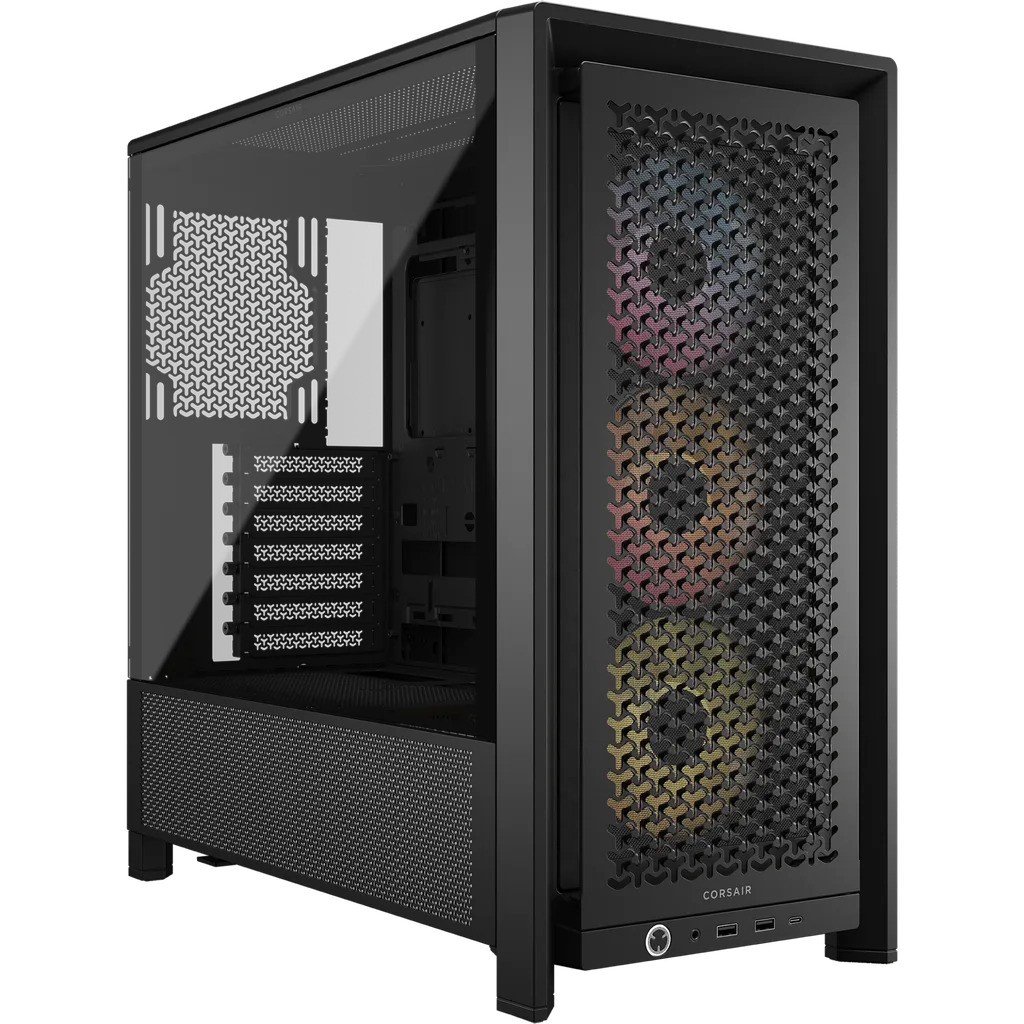
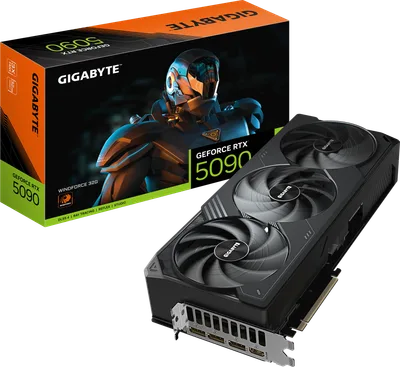
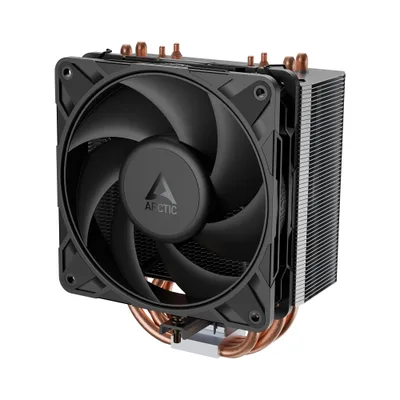
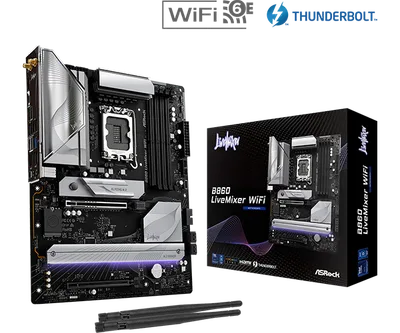
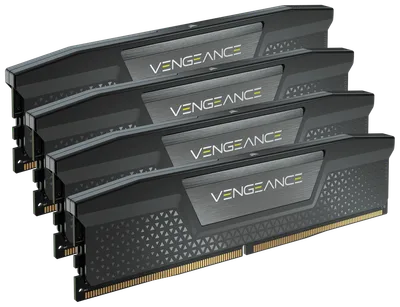
Catalogue photography — not a photo of this machine
This build pairs the Intel Core Ultra 7 265KF with a Gigabyte WINDFORCE RTX 5090 for seamless 1440p gaming, cooled by an ARCTIC Freezer 36 and powered by a Corsair RM750x.
- 01
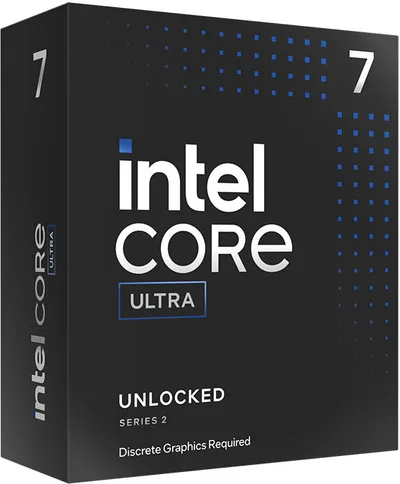 Intel Core Ultra 7 265KFProcessorLGA1851 · 20c · 5.5GHz · 125W—
 - 02ASRock B860 LiveMixer WiFiMotherboardLGA1851 · ATX · DDR5—
- 0364GB · DDR5-5600—
- 04ARCTIC Freezer 36Cooler156mm—
- 0532GB · 342mm · 220W—
- 06
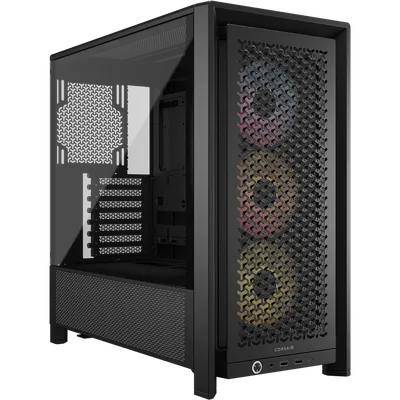 ATX/mATX/ITX—
 - 07
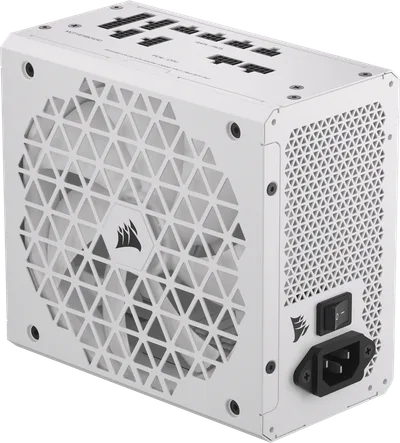 Corsair RM750xPower supply750W · 80+ gold · ATX—
 - 08
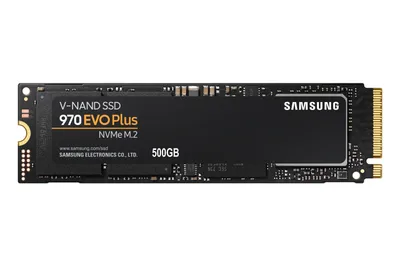 2000GB · M.2—
5 comments
How do you plan to manage cable management and airflow inside the Corsair FRAME 4000D RS ARGB case with the chosen components?
The Corsair FRAME 4000D RS ARGB should give you decent airflow options, especially with the 342mm RTX 5090, just make sure to plan those fan setups carefully.
@noor_tower Interesting fan setup plan with that massive 342mm RTX 5090—how are you thinking of positioning the case fans to keep airflow smooth around such a large card?
The Corsair FRAME 4000D RS ARGB should offer enough space for fan setups, but positioning them around a 342mm GPU like the RTX 5090 will require careful planning to maintain good airflow.
With a 64 GB RAM kit and a high-end RTX 5090, are you planning to run any memory-intensive applications or specific games that really benefit from that much RAM at 1440p?
Register and verify your email to join the conversation.