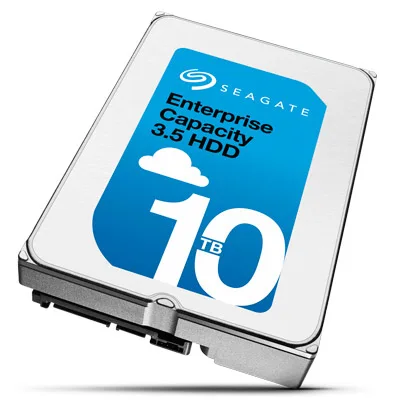
Catalogue photography — not a photo of this machine
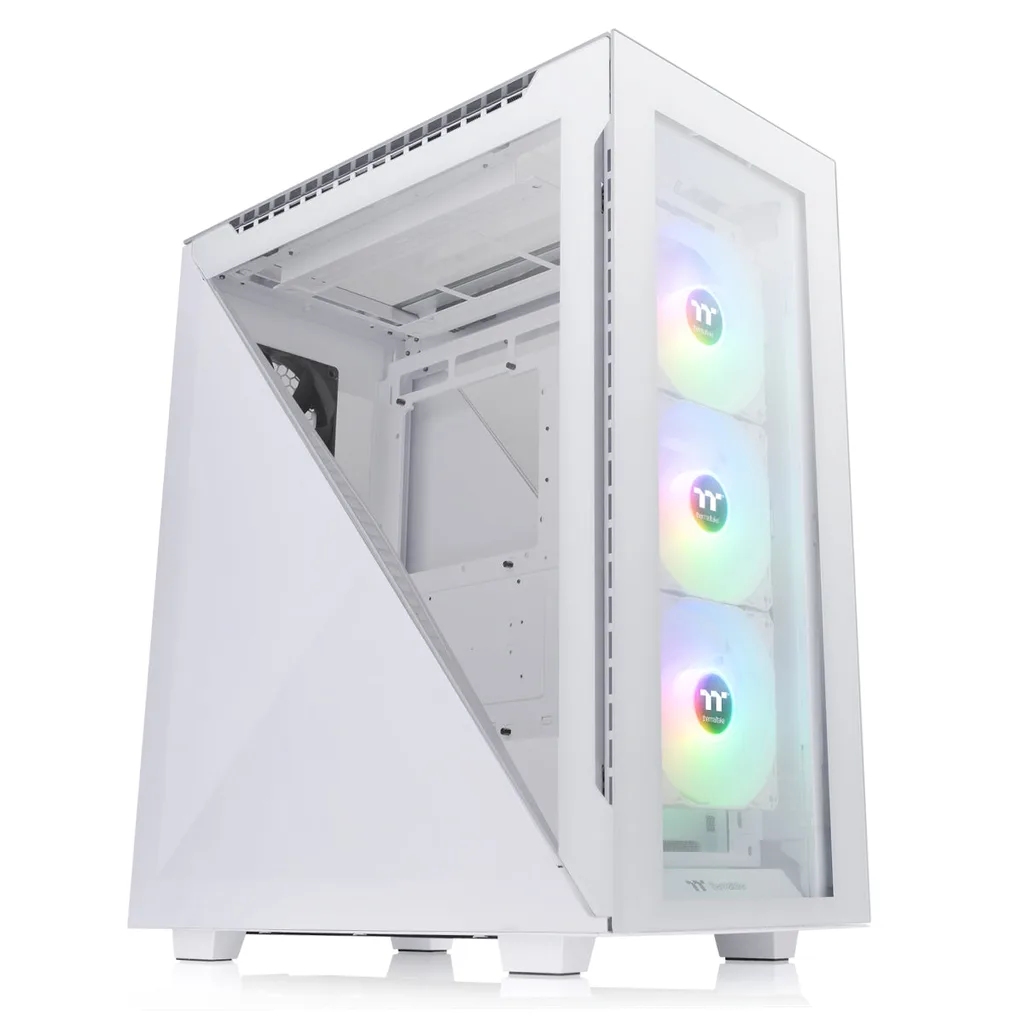
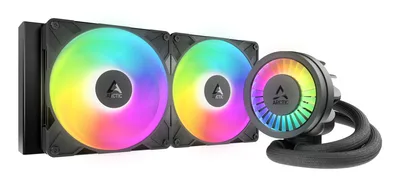
This build pairs the Ryzen 7 9800X3D with Seagate SkyHawk AI storage, cooled by ARCTIC Liquid Freezer III 280, in a sleek Thermaltake Divider 500 TG ARGB Snow case.
- 01
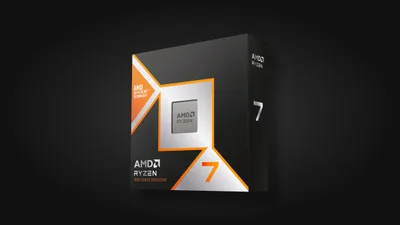 Ryzen 7 9800X3DProcessorAM5 · 8c · 5.2GHz · 120W—
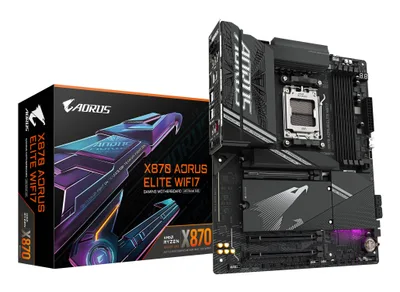
 - 02Gigabyte X870 AORUS ELITE WIFI7MotherboardAM5 · ATX · DDR5—
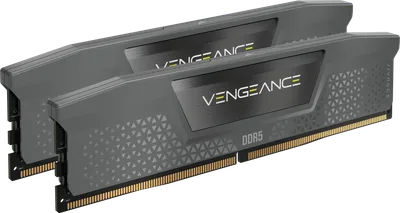
- 0364GB · DDR5-5600—
- 0438mm—
- 05
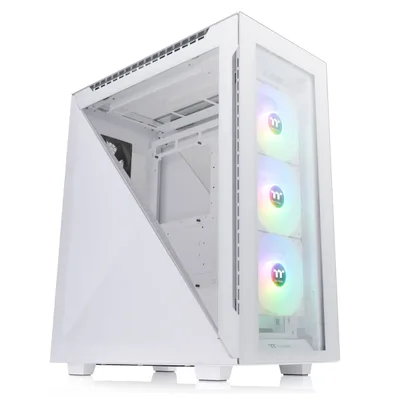 ATX/mATX/ITX—
 - 06
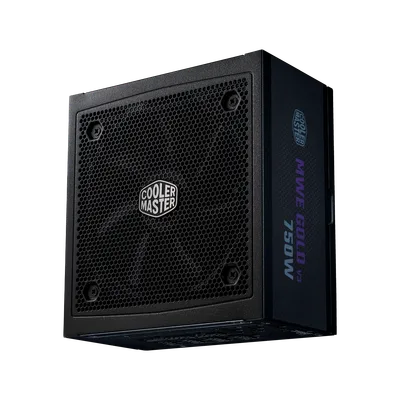 Cooler Master MWE Gold 750 V3Power supply750W · 80+ gold · ATX—
 - 0710000GB · SATA—
9 comments
Nice setup with the Ryzen 7 9800X3D and that solid 64GB DDR5 RAM — should handle heavy workloads well in your homelab.
@mila93 Considering this is for a homelab, have you thought about the noise level with the Thermaltake Divider 500 TG case and the liquid cooler combo? How important is silence for your setup?
@daan10 I'm curious about the choice of the Seagate SkyHawk AI 10TB drive for a homelab—how do you plan to use it, and did you consider any performance trade-offs with its intended NAS focus?
Make sure to update the BIOS on that Gigabyte board before installing the 9800X3D for optimal compatibility and performance.
The Seagate SkyHawk AI drive is an interesting choice for a homelab; just keep in mind its workload optimization may affect performance compared to a standard consumer drive.
@framechaser Thanks for the heads-up. I'm planning to use it mainly for storage and backups, so the workload optimization should actually help. Performance isn’t the main focus here, so it’s a good fit for my needs.
Considering this build is for a homelab, what specific tasks or services are you planning to run on it? This will help gauge if the 64GB of RAM and the chosen storage are well-matched for your intended workloads.
Make sure to check the motherboard manual for the recommended RAM slots configuration to get the best performance out of that 64GB kit.
@anna_fan Good point about the RAM slots — getting the right configuration on that Gigabyte board will be key for optimal performance with the 64GB kit.
Register and verify your email to join the conversation.