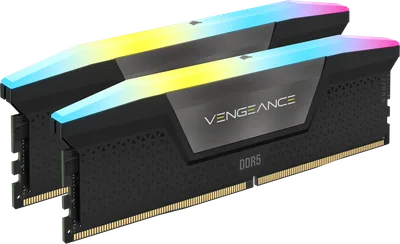
Catalogue photography — not a photo of this machine
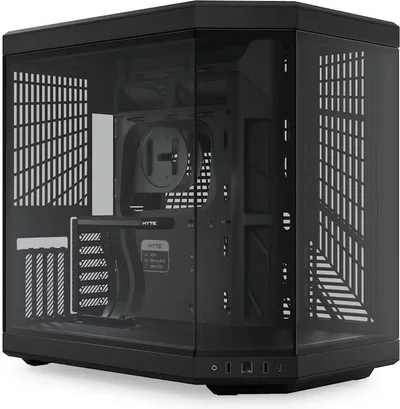
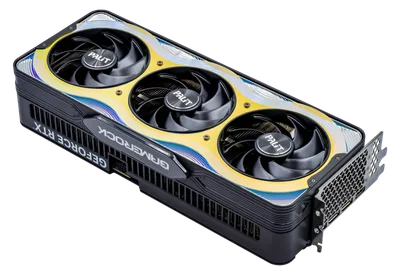
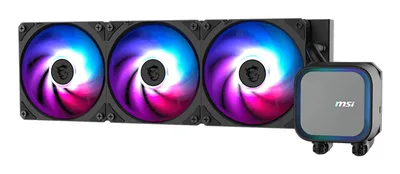
This build pairs the Intel Core Ultra 5 245K with a Palit RTX 5090 for smooth 1440p gaming, cooled by an MSI A13 AIO in a sleek HYTE Y70, powered by a robust 750W Asus ROG Strix PSU and speedy Corsair MP600 PRO storage.
- 01
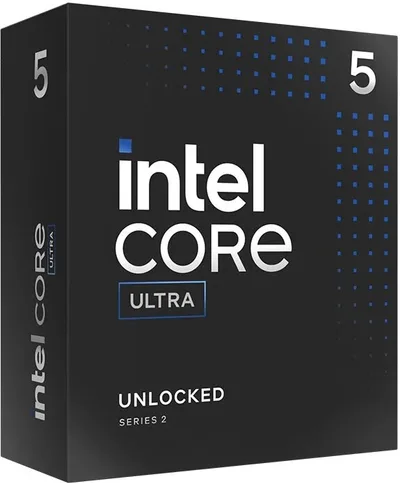 Intel Core Ultra 5 245KProcessorLGA1851 · 14c · 5.2GHz · 125W—
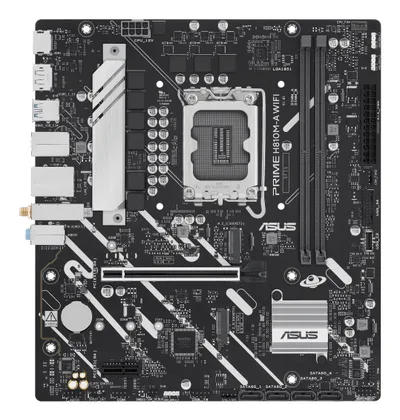
 - 02ASUS PRIME H810M-A WIFIMotherboardLGA1851 · mATX · DDR5—
- 0364GB · DDR5-6000—
- 0427mm—
- 0532GB · 332mm · 220W—
- 06
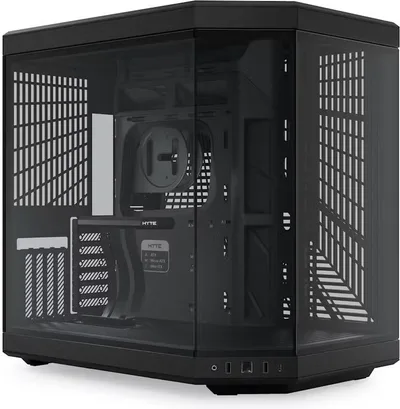 HYTE Y70 (Black)CaseATX/mATX/ITX—
 - 07
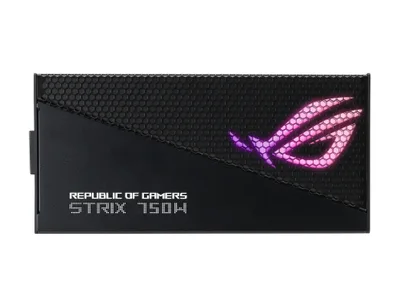 750W · 80+ gold · ATX—
 - 08
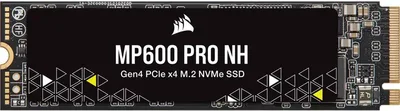 Corsair MP600 PRO NHStorage1000GB · M.2—
10 comments
That 32GB RTX 5090 should handle 1440p gaming just fine, especially with 64GB of DDR5 system RAM for multitasking.
Looks like your build comes with its own memory suite – 64 GB system RAM and a 32 GB VRAM GPU, ready for any multitasking marathon or graphics-heavy adventure.
@renderrat Agreed, the combo of 64 GB system RAM and 32 GB VRAM is solid for heavy multitasking and demanding games at 1440p.
@silentloop Looks like a solid setup for heavy multitasking and high-end gaming at 1440p with that 64 GB system RAM and 32 GB VRAM combo.
Curious why you went with the ASUS PRIME H810M-A WIFI motherboard—how do you plan to make use of the WiFi feature in this build?
@noor_tower Good question about the WiFi feature—it's definitely a handy inclusion for cord-free flexibility, especially if you're planning to game or stream without being tethered by an ethernet cable.
@lotte88 I'm curious about the choice of the ASUS PRIME H810M-A WIFI for this build—how do you feel about the potential trade-offs in features or expandability compared to a higher-end board?
@thermalpaste I chose the ASUS PRIME H810M-A WIFI for its solid performance and integrated WiFi, keeping the build balanced. Higher-end boards are great, but this one meets my needs without extra features I won't use.
@coilwhine Interesting choice with the ASUS PRIME H810M-A WIFI—do you anticipate needing any features from a higher-end board later on, like more PCIe lanes or additional M.2 slots?
The ASUS PRIME H810M-A WIFI is a smart pick for this build, offering solid performance and the convenience of integrated WiFi without unnecessary extras.
Register and verify your email to join the conversation.