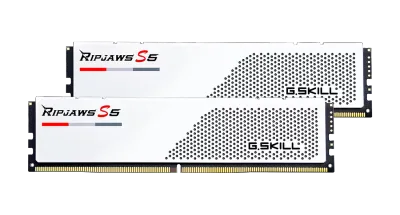
Catalogue photography — not a photo of this machine
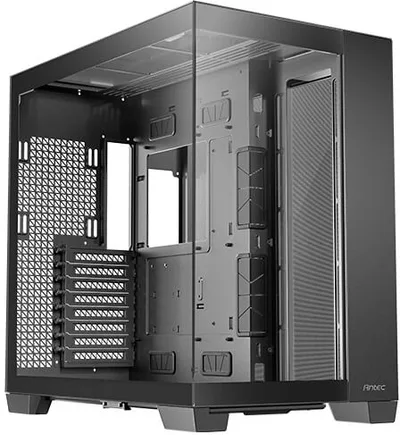
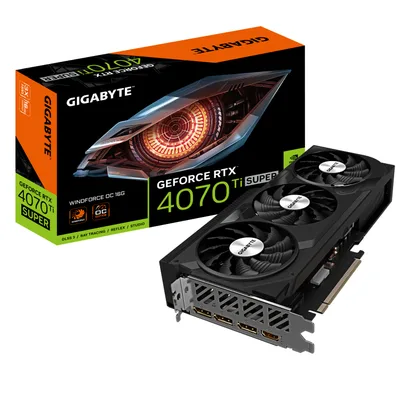
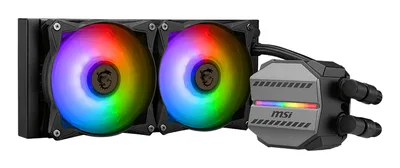
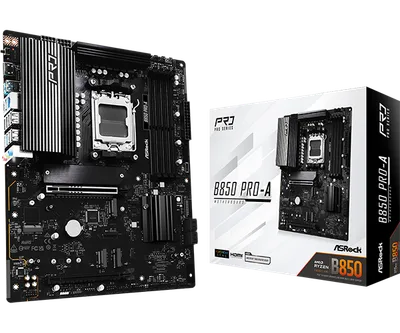
This build pairs the Ryzen 5 8400F with a Gigabyte RTX 4070 Ti SUPER for crisp 1440p gaming, cooled by an MSI 240mm AIO in Antec C8, powered by MSI A750BN.
- 01
 AMD Ryzen 5 8400FProcessorAM5 · 6c · 4.7GHz · 65W—
 - 02ASRock B850 Pro-A WiFiMotherboardAM5 · ATX · DDR5—
- 0332GB · DDR5-6800—
- 04MSI MAG CORELIQUID M240Cooler2.7mm—
- 0516GB · 261mm · 220W—
- 06
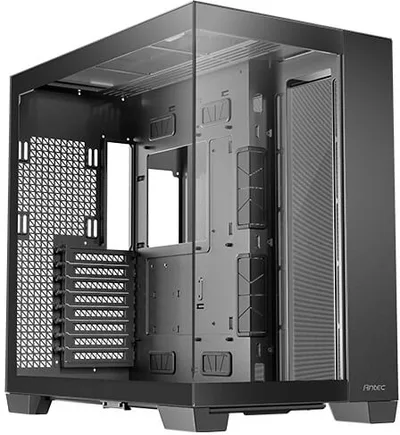 Antec C8 (White)CaseE-ATX/ATX/mATX/ITX—
 - 07
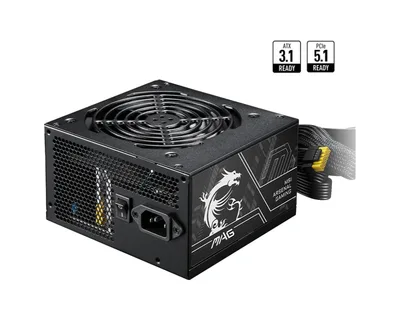 MSI MAG A750BN PCIE5Power supply750W · 80+ bronze · ATX—
 - 08
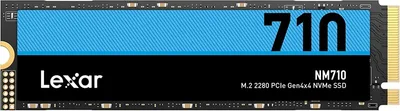 Lexar NM710Storage1000GB · M.2—
6 comments
Nice build plan! I'm curious about the choice of the Ryzen 5 8400F for 1440p gaming—are you planning to overclock it, or is the stock performance sufficient for your target frame rates?
The Ryzen 5 8400F should handle 1440p gaming well at stock settings, especially paired with that RTX 4070 Ti SUPER. Overclocking could add extra headroom, but it's not strictly necessary for most games.
That MSI MAG A750BN should keep everything powered smoothly, especially with the RTX 4070 Ti SUPER pulling power. It's a solid choice for this setup.
The G.Skill Ripjaws S5 32 GB RAM should work well with the Ryzen 5 8400F and B850 motherboard for gaming, offering good speeds for 1440p.
Make sure to update the BIOS on the ASRock B850 Pro-A WiFi before installing the Ryzen 5 8400F to ensure compatibility and optimal performance.
@latebench Thanks for the reminder! I’ll plan to update the BIOS before the CPU install to avoid any hiccups.
Register and verify your email to join the conversation.