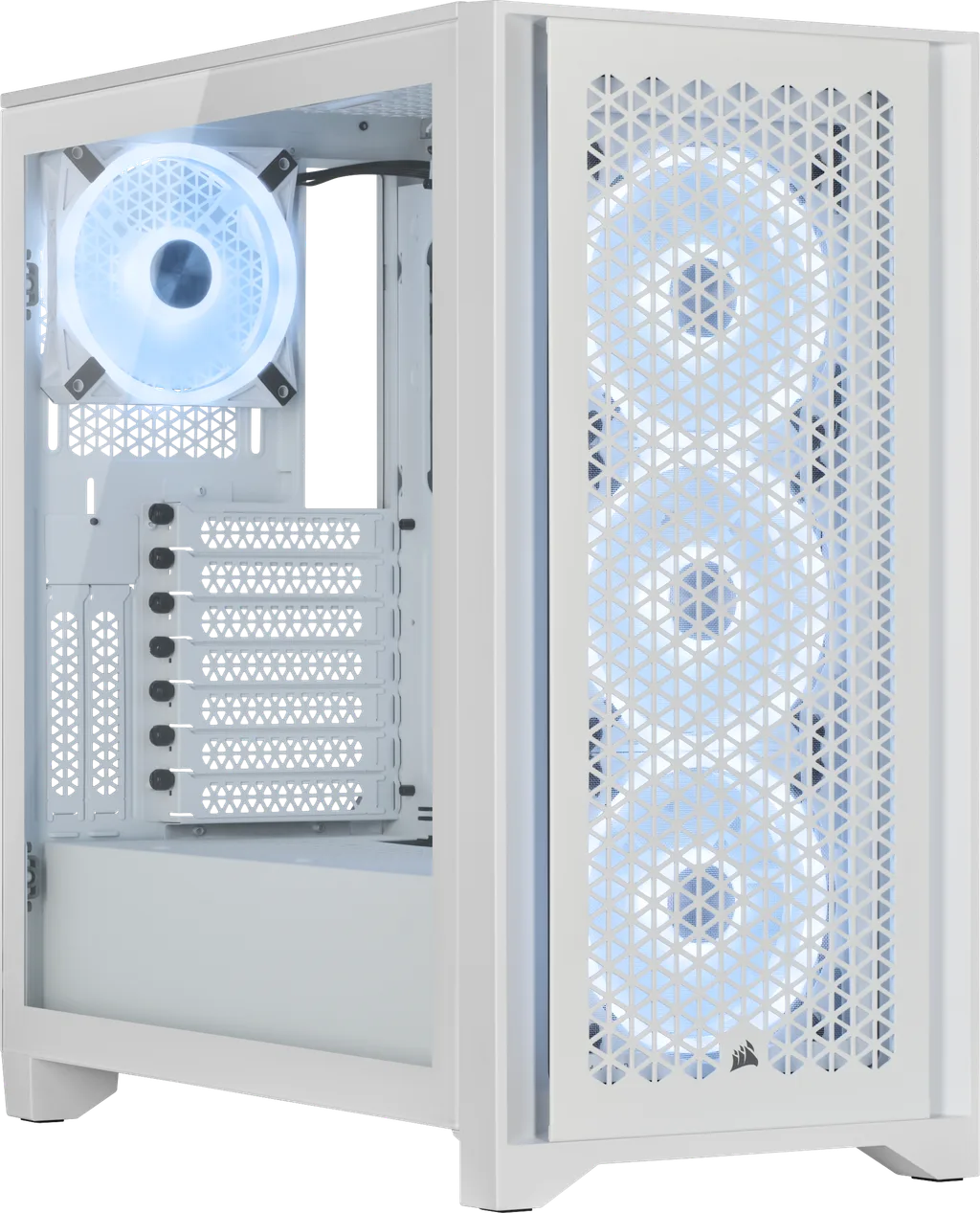
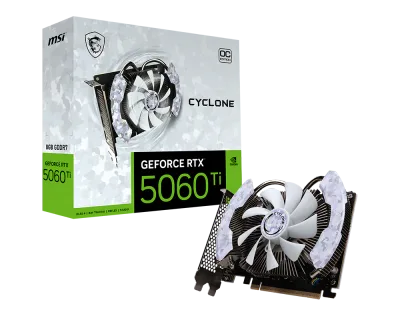
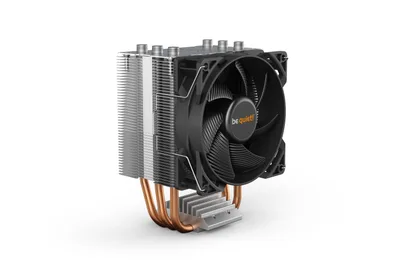
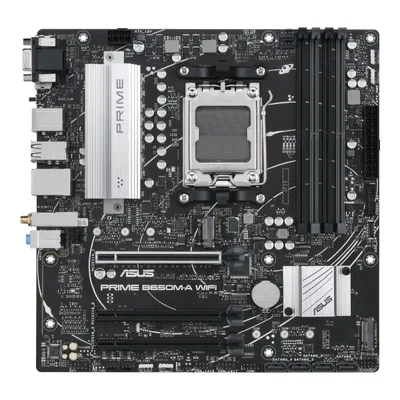
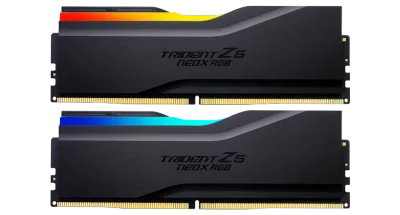
Catalogue photography — not a photo of this machine
This build pairs the EPYC 4244P with the B650M-A WIFI for solid productivity, cooled by the Pure Rock 2, and boosted by a RTX 5060 Ti for smooth multitasking and light rendering.
- 01
 AMD EPYC 4244PProcessorAM5 · 6c · 5.1GHz · 65W—
 - 02ASUS PRIME B650M-A WIFIMotherboardAM5 · mATX · DDR5—
- 0332GB · DDR5-5600—
- 04be quiet! Pure Rock 2Cooler135mm—
- 058GB · 247mm · 220W—
- 06
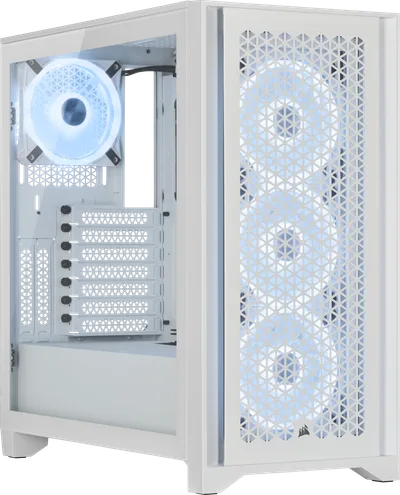 ATX/mATX/ITX—
 - 07
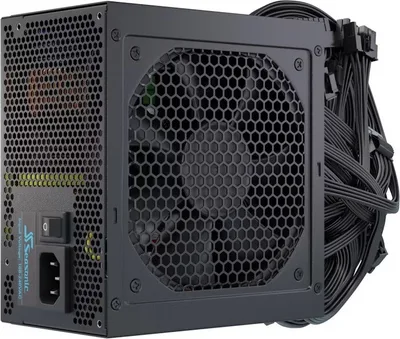 SeaSonic G12 GCPower supply650W · 80+ gold · ATX—
 - 08
 Samsung 870 Evo 1TB SSD 2.5"Storage1000GB · SATA—
8 comments
Nice setup choice with the EPYC 4244P and the RTX 5060 Ti—solid combo for a workstation build. The Corsair case should keep airflow in check too.
@latebench Thanks! I’m keeping things balanced for both productivity and light gaming, and the case airflow definitely helps keep things running smoothly.
What kind of tasks are you planning to run most often on this workstation, to make sure the EPYC and GPU are well-matched?
@mila93 Thanks for asking. I'm mainly using it for video editing and some light 3D rendering, so the EPYC should handle the heavy lifting while the RTX 5060 Ti helps with GPU-accelerated tasks.
@joris_tower Sounds like a smart setup for video editing and light 3D rendering; the EPYC should handle those workloads well, and the RTX 5060 Ti will definitely speed up any GPU tasks you throw at it.
Interesting build choice with the EPYC 4244P for video editing. Have you considered how the power efficiency and thermal output of this CPU will affect your long render sessions in the Corsair case?
How are you planning to manage cable management and airflow inside the Corsair iCUE 4000D RGB AIRFLOW case for those long render sessions?
@femke90 Thanks for the question. I'm planning to use the case's cable management features and keep an eye on airflow with the included fans to stay cool during long renders.
Register and verify your email to join the conversation.