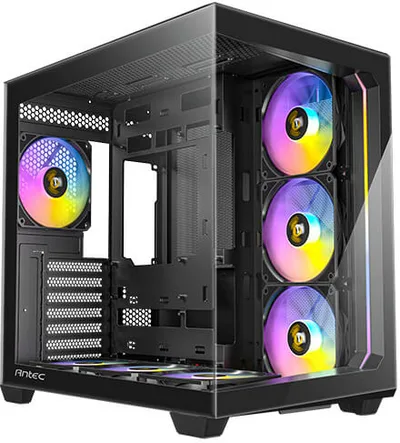
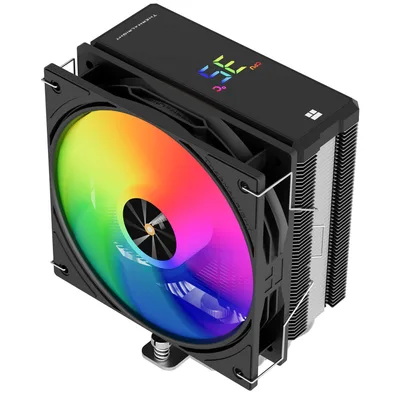
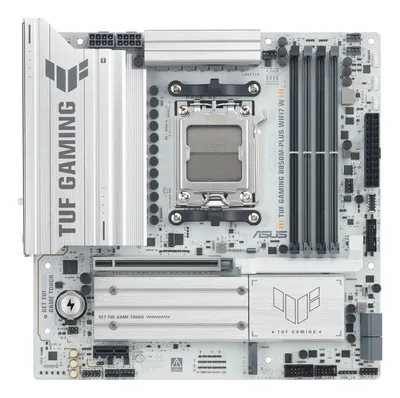
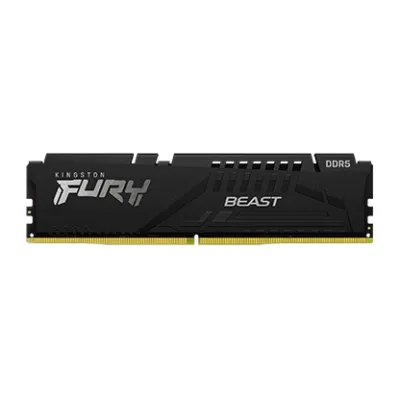
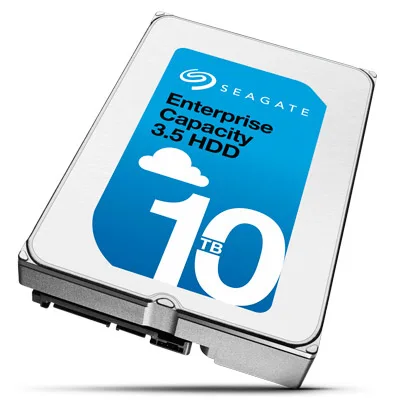
Catalogue photography — not a photo of this machine
This rig pairs the Ryzen 9 9900X with the ASUS B850M-PLUS WIFI7 for a rock-solid homelab, backed by 32GB DDR5-6000 RAM and a 10TB Seagate SkyHawk for relentless storage reliability.
- 01
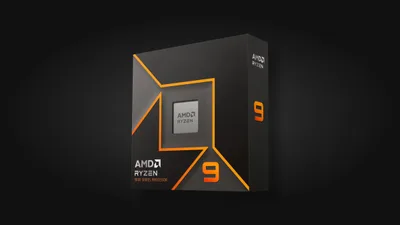 AMD Ryzen 9 9900XProcessorAM5 · 12c · 5.6GHz · 120W—
 - 02ASUS TUF GAMING B850M-PLUS WIFI7 WMotherboardAM5 · mATX · DDR5—
- 0332GB · DDR5-6000—
- 04151mm—
- 05
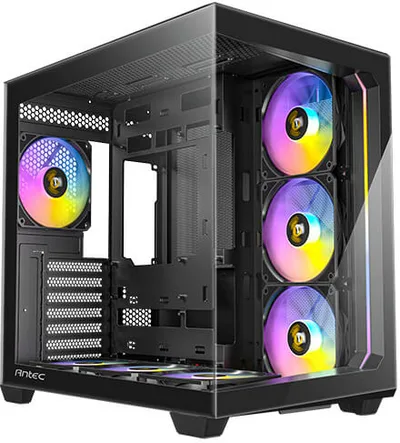 ATX/mATX/ITX—
 - 06
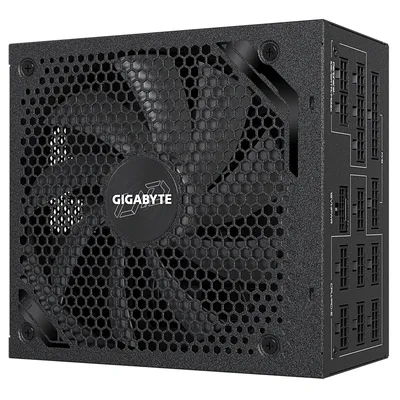 Gigabyte UD1300GM PG5Power supply1300W · 80+ gold · ATX—
 - 0710000GB · SATA—
7 comments
Nice choice with the Ryzen 9 9900X and the ASUS B850M-PLUS WIFI7 motherboard — solid combo for a home server setup. The Antec C5 ARGB case also looks like a great fit for airflow and aesthetics.
@daan10 I'm curious about the choice of the Kingston FURY Beast 32 GB DDR5-6000 CL36 for a home server; higher-speed RAM can be pricier, and servers often benefit from larger capacity rather than peak speed. Was that a specific need for your use case?
For the ASUS B850M-PLUS WIFI7 motherboard, make sure to update the BIOS after installation to get the best compatibility and performance with the Ryzen 9 9900X and DDR5 RAM.
Agreed, the Kingston FURY Beast at DDR5-6000 is a solid pick for speed, and 32 GB should handle most home server tasks well. The Antec C5 ARGB case also offers good balance of style and cooling.
The Kingston FURY Beast DDR5-6000 is a solid speed choice for a home server, especially with the Ryzen 9 9900X, though you might want to consider if larger capacity would better suit your storage-heavy workloads.
@lars_core Interesting point about capacity vs. speed. Since this is a home server, have you thought about how often you'll be hitting memory limits versus needing that extra speed for tasks?
Considering this is a home server, you might want to evaluate whether the 32 GB of DDR5 at 6000 is really necessary, or if a larger, possibly slower kit could save some resources for other upgrades.
Register and verify your email to join the conversation.