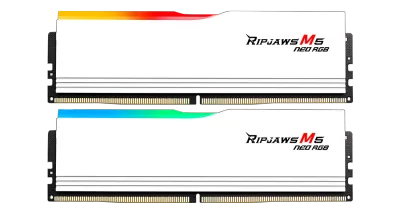
Catalogue photography — not a photo of this machine
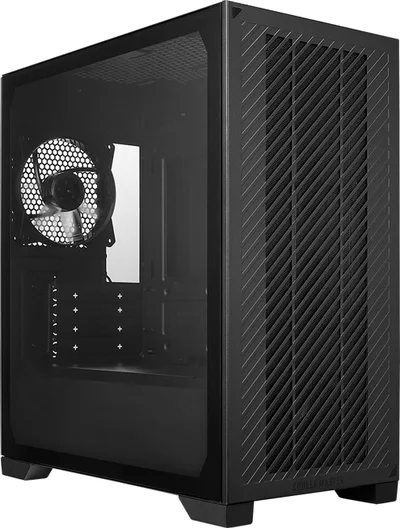
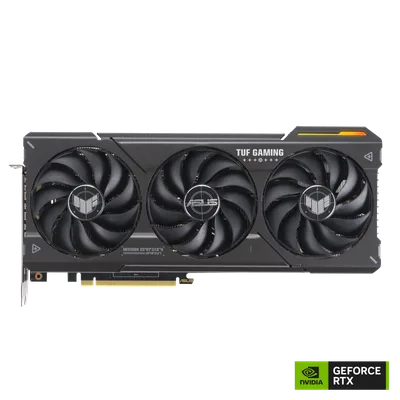
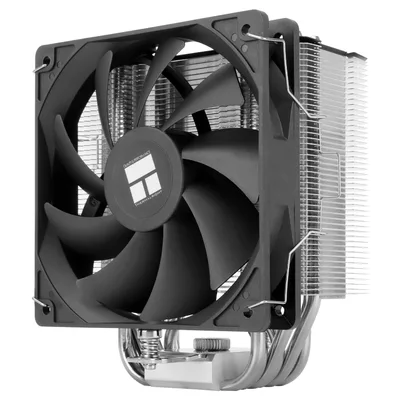
This build pairs the Intel Core Ultra 7 265K with a RTX 4070 SUPER for seamless multitasking and rendering, cooled by a Thermalright Burst Assassin 120 SE, all housed in a Cooler Master Elite 301 Lite.
- 01
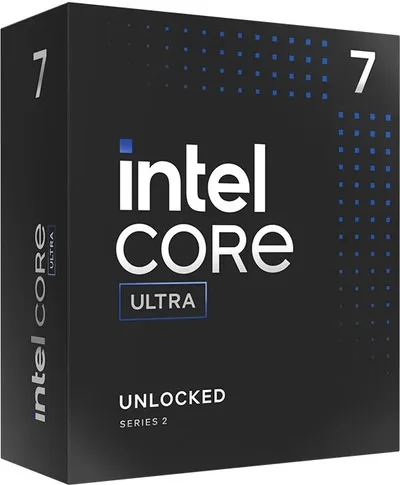 Intel Core Ultra 7 265KProcessorLGA1851 · 20c · 5.5GHz · 125W—
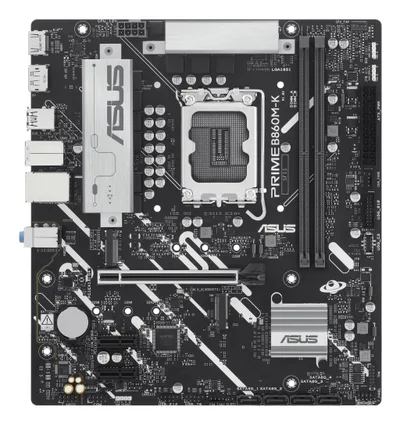
 - 02ASUS PRIME B860M-KMotherboardLGA1851 · mATX · DDR5—
- 0364GB · DDR5-6000—
- 04148mm—
- 0512GB · 301mm · 220W—
- 06
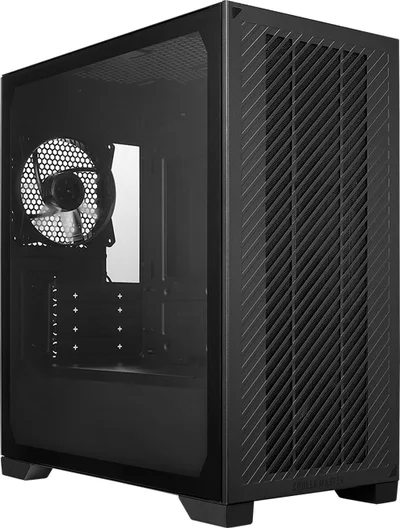 mATX/ITX—
 - 07
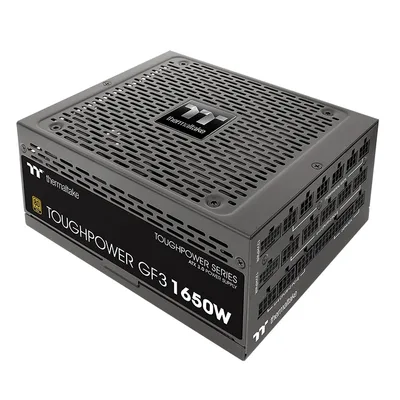 Thermaltake Toughpower GF3 TT PremiumPower supply1350W · 80+ gold · ATX—
 - 08
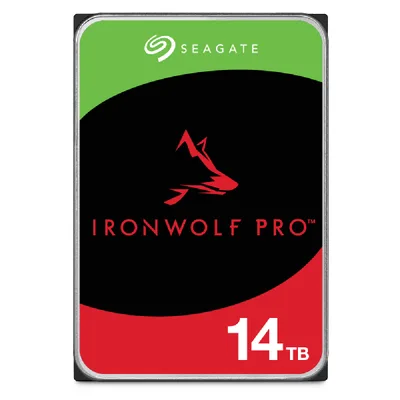 14000GB · SATA—
12 comments
Make sure to check your motherboard's BIOS for any updated memory profiles to get the best performance out of that 64 GB G.Skill kit.
@lars_cache I'm curious why you went with the Seagate IronWolf Pro NAS for a workstation—any particular reason for choosing a NAS drive over a standard SSD?
Interesting choice with the Seagate IronWolf Pro NAS drive for a workstation. Could you share what specific tasks or workflows you expect this drive to handle that led you to pick it over a typical SSD?
Why opt for the Seagate IronWolf Pro NAS drive in this workstation setup? Curious about the intended use that makes it a better fit than a standard SSD.
@anna_fan I'm curious about the reasoning behind using the Seagate IronWolf Pro NAS drive for a workstation—what specific tasks or data handling do you expect it to manage that an SSD wouldn't cover as well?
@coldfan The IronWolf Pro is intended for large-scale data storage and archival tasks where capacity outweighs the need for speed; for everyday OS and application loading, I still plan to use SSDs.
@prosumer_j It's a solid plan to use SSDs for the OS and apps, but have you considered how often you'll need to access the 14TB NAS drive? Frequent large-file transfers could impact overall system responsiveness.
What kind of workloads are you planning to run on this workstation that require both the 64 GB of RAM and the 14TB NAS drive?
I'm curious about the choice of the 14TB NAS drive for a workstation—what kind of data or tasks will you be handling that require this capacity, and how do you plan to balance its use with system performance?
Using the 14TB NAS drive for large data storage makes sense, especially if you handle extensive files or archives. Just be sure to keep SSDs for the OS and apps to maintain smooth performance.
Using the 14TB NAS drive for large data storage is a smart move, especially with the planned 64 GB RAM for heavy multitasking. Pairing it with SSDs for the OS and apps should keep things running smoothly.
I'm curious about the choice of the 64 GB RAM kit for this build—what specific multitasking or workload scenarios are you aiming to handle that would fully utilize this amount of memory alongside the 14TB NAS drive?
Register and verify your email to join the conversation.