
Catalogue photography — not a photo of this machine
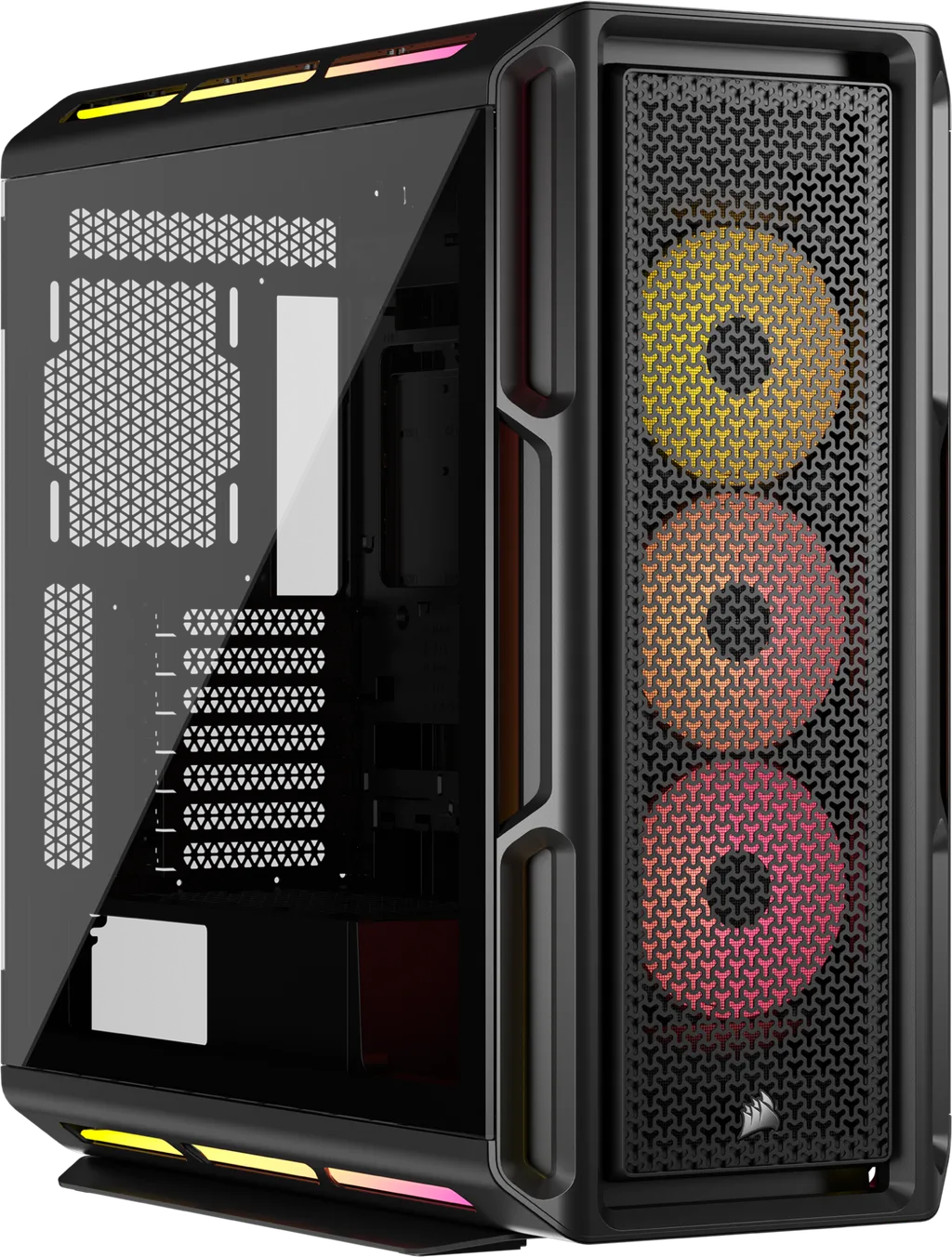
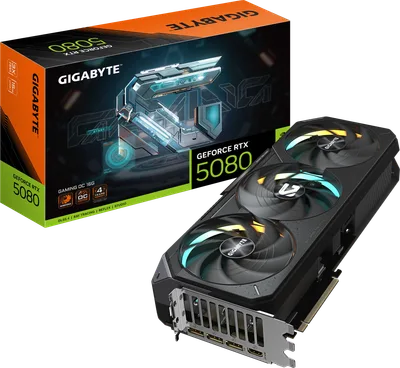
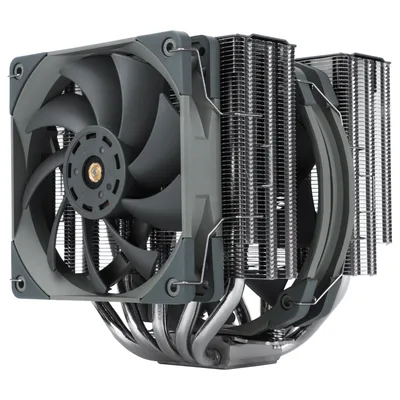
This build pairs the Intel Core Ultra 5 245K with a Gigabyte RTX 5080 for buttery 4K gaming, cooled by a Thermalright Frost Commander 140 BLACK, all housed in a sleek Corsair iCUE 5000T LX RGB.
- 01
 Intel Core Ultra 5 245KProcessorLGA1851 · 14c · 5.2GHz · 125W—
 - 02Gigabyte B860 DS3HMotherboardLGA1851 · ATX · DDR5—
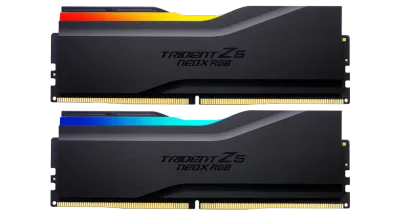
- 0332GB · DDR5-6000—
- 04158mm—
- 0516GB · 340mm · 220W—
- 06
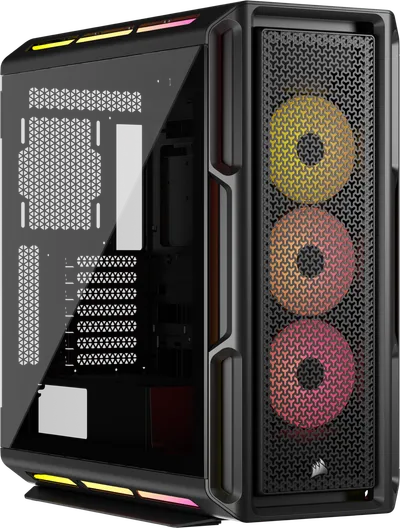 ATX/mATX/ITX—
 - 07
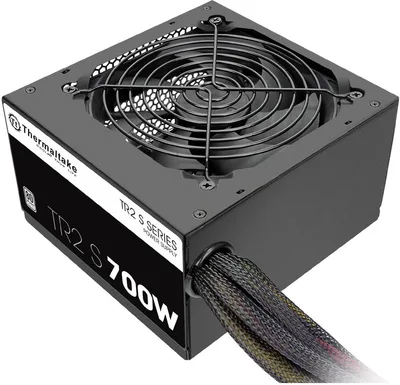 Thermaltake TR2 SPower supply600W · 80+ plus · ATX—
 - 08
 4000GB · SATA—
6 comments
Nice setup! Make sure to check your motherboard's BIOS for any updated memory profiles to get the most out of that G.Skill Trident Z5 RAM.
How do you plan to manage cable routing and airflow inside the Corsair iCUE 5000T LX RGB case with that long 340mm GPU?
@framechaser Thanks for the reminder. I’ll plan the cable routing carefully to keep airflow clear around the GPU and case fans.
@silentloop Good call on planning the cable routing—keeping things tidy will help maintain airflow, especially with that 340mm GPU in the Corsair case.
@coilwhine Thanks, I’ll make sure to keep things tidy and manage the cables well to ensure good airflow with the long GPU.
@silentloop Keeping cables tidy in the Corsair iCUE 5000T LX with a 340mm GPU will definitely help airflow, just watch the depth to ensure the fans can spin freely.
Register and verify your email to join the conversation.