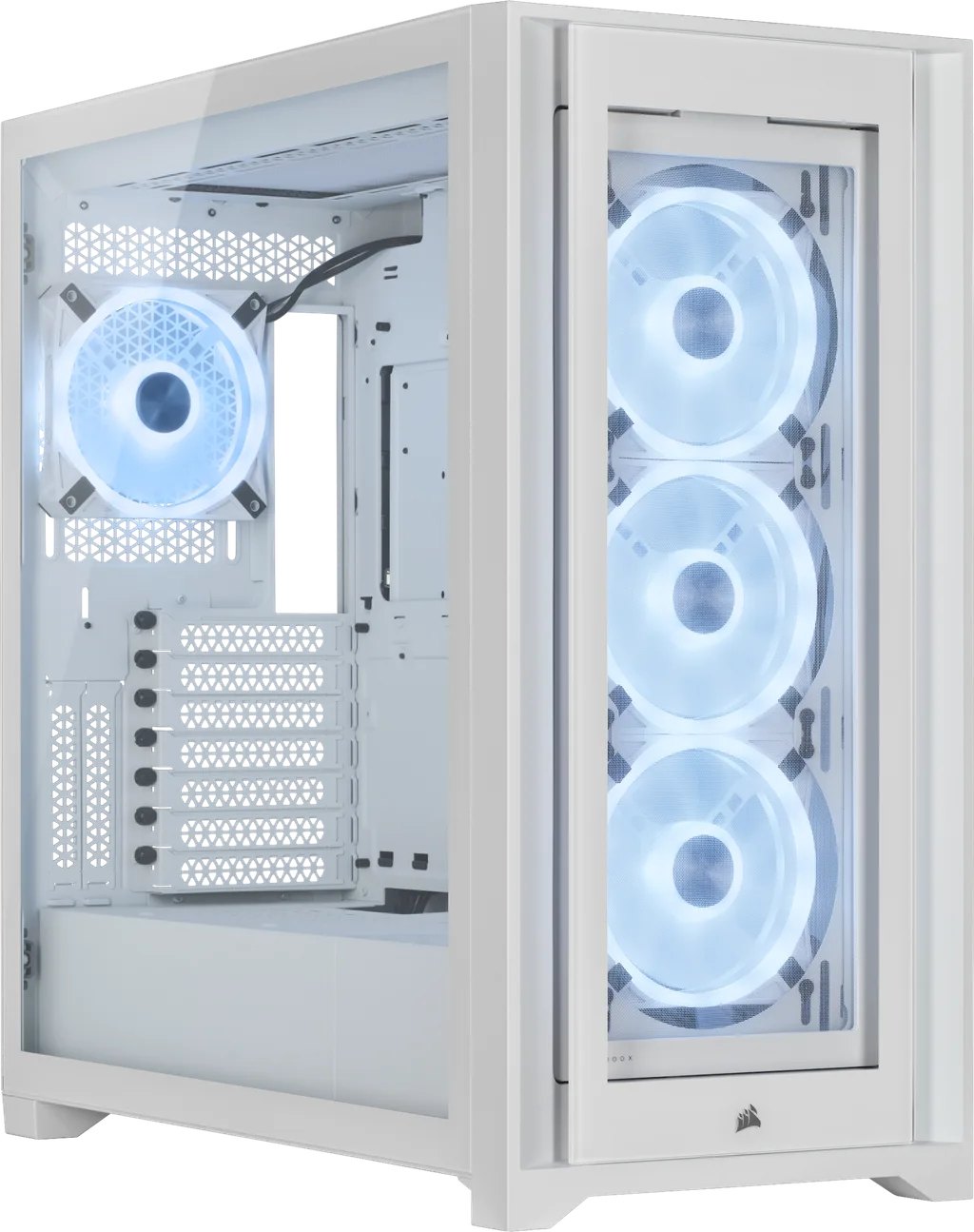
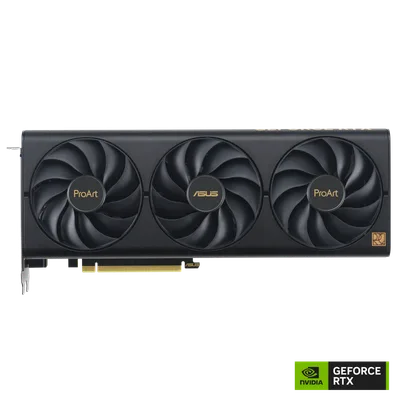
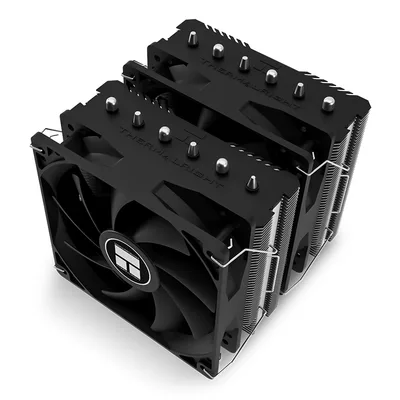
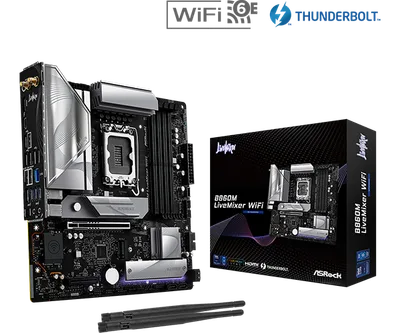
Catalogue photography — not a photo of this machine
This build pairs the Intel Core Ultra 9 285K with the Asus ProArt OC RTX 4070 SUPER for smooth multitasking and rendering, all housed in the stylish Corsair iCUE 5000X RGB QL Edition.
- 01
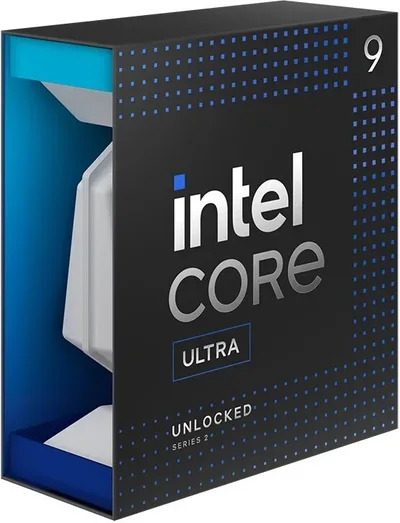 Intel Core Ultra 9 285KProcessorLGA1851 · 24c · 5.7GHz · 125W—
 - 02ASRock B860M LiveMixer WiFiMotherboardLGA1851 · mATX · DDR5—
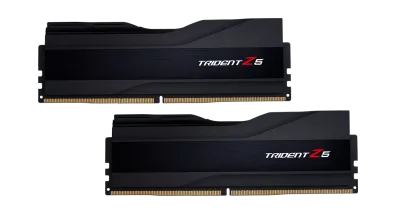
- 03G.Skill Trident Z5 64 GBMemory64GB · DDR5-6000—
- 04155mm—
- 0512GB · 300mm · 220W—
- 06
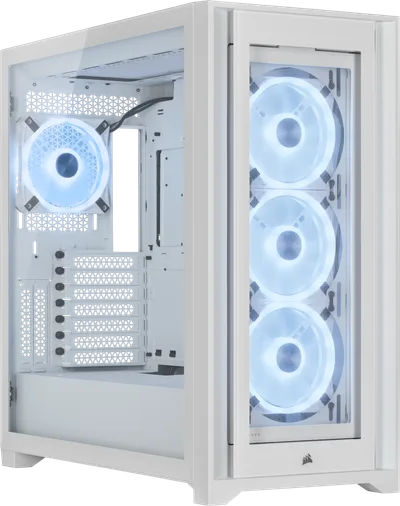 ATX/mATX/ITX—
 - 07
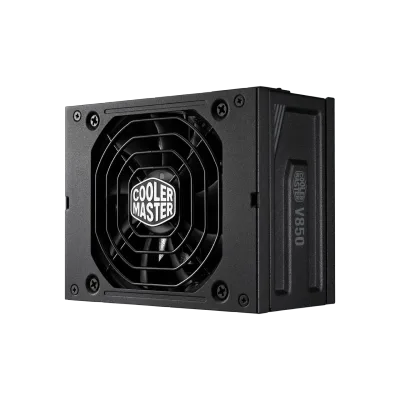 850W · 80+ gold · ITX—
 - 08
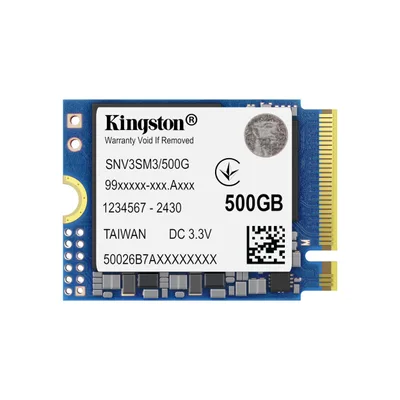 Kingston NV3Storage4000GB · M.2—
9 comments
Nice setup! Make sure to check your motherboard's BIOS for any updated memory profiles to get the most out of that 64GB G.Skill kit.
@mila93 Why the SFX Gold 850W PSU? Curious about the wattage choice for this build.
@bram_rail Interesting choice with the SFX Gold 850W—did you opt for this wattage to ensure headroom for overclocking, or was it mainly due to the compact form factor constraints in your case?
What will you primarily use this build for, like rendering, gaming, or general productivity? This helps to see if any components could be better tuned for your main tasks.
@itxfan Considering this is labeled a workstation, have you thought about whether the 64GB RAM capacity will meet your expected workload, or could you potentially benefit from a higher capacity kit later on?
@niels_pixel Good point about the RAM; with a 64GB kit on this build, it's wise to keep an eye on future workload demands and ensure it scales well as needs evolve.
I'm curious about the choice of the 64GB RAM kit for this workstation build—do you anticipate hitting those limits with your planned workloads, or is this more of a future-proof measure?
Agreed, the 64GB RAM is a solid pick for a workstation, especially if you're diving into heavy multitasking or content creation. It should keep things smooth as workloads grow.
Make sure to verify the motherboard's BIOS settings for XMP profiles to ensure your G.Skill Trident Z5 RAM runs at its intended speeds.
Register and verify your email to join the conversation.