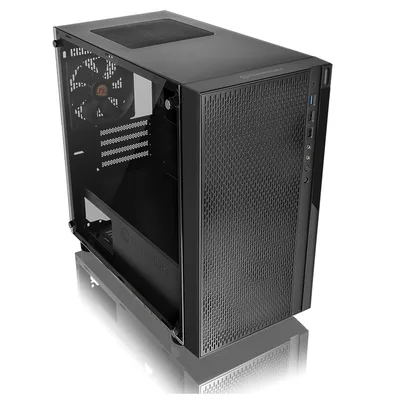
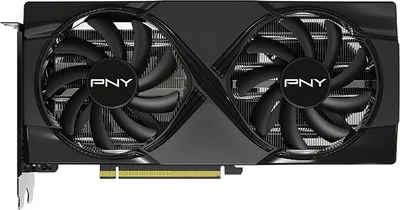
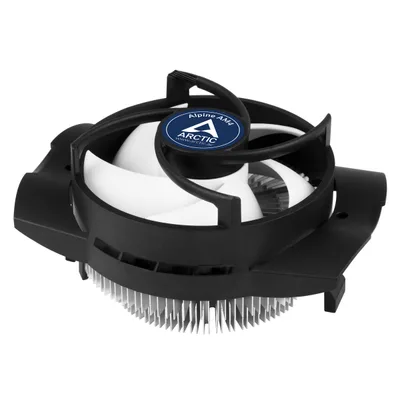
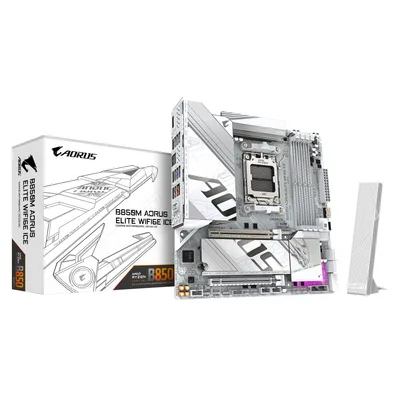
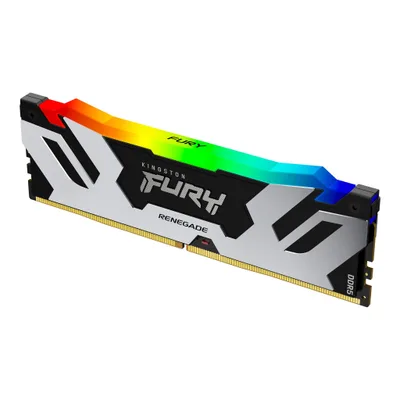
Catalogue photography — not a photo of this machine
This build pairs the Ryzen 7 9700X and RTX 5060 Ti for smooth gameplay and recording, with DDR5-6000 RAM and a fast Seagate FireCuda SSD for quick load times.
- 01
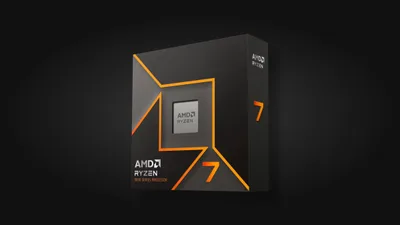 AMD Ryzen 7 9700XProcessorAM5 · 8c · 5.5GHz · 65W—
 - 02Gigabyte B850M AORUS ELITE WIFI6E ICEMotherboardAM5 · mATX · DDR5—
- 0348GB · DDR5-6000—
- 04ARCTIC Alpine AM4Cooler69mm—
- 0516GB · 245mm · 220W—
- 06
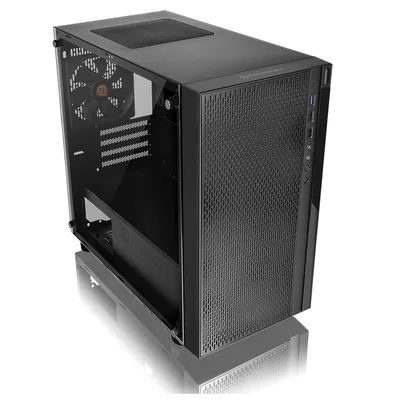 mATX/ITX—
 - 07
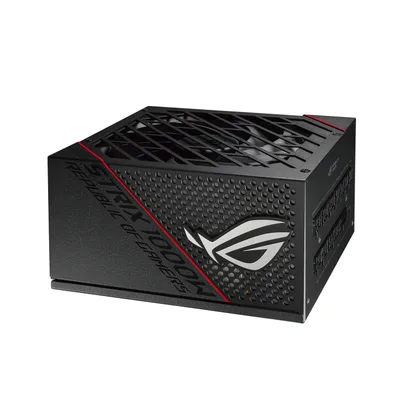 Asus ROG Strix 1000W platinum Full modularPower supply1000W · 80+ platinum · ATX—
 - 08
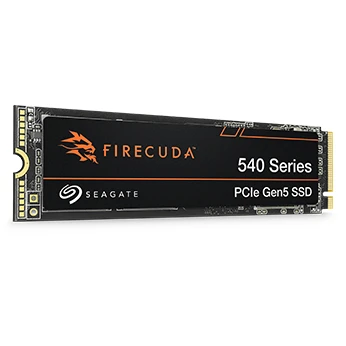 1000GB · M.2—
8 comments
Looks like a solid setup for content creation, especially with that 48 GB of RAM—you'll appreciate the headroom for heavy multitasking and large projects.
@prosumer_j Thanks, I hope to make good use of it once everything is up and running.
I'm curious why you went with the ARCTIC Alpine AM4 cooler for the Ryzen 7 9700X—how do you think it'll handle the heat output in heavy content creation tasks?
@mila93 Thanks for asking. I picked it mainly for its budget-friendly price point and availability; I haven't benchmarked it yet, so we'll see how it performs once I start using the system.
@itxfan Interesting choice with the ARCTIC Alpine AM4 cooler for the 9700X—any particular reason you preferred it over a higher-end option for your content creation workload?
@pixelpusher Considering your focus on content creation, you might want to think about how the ARCTIC Alpine AM4's cooling capacity could affect long render times. Did you weigh potential thermal limits against the cost savings?
@renderrat Thanks for the heads-up. I did consider the cost vs. performance, and I'll monitor the temps during long renders once it's built. If needed, I can always upgrade the cooler later.
Make sure to check the motherboard's BIOS for any updates or settings that optimize DDR5 performance, especially since you're running a high-capacity RAM kit.
Register and verify your email to join the conversation.