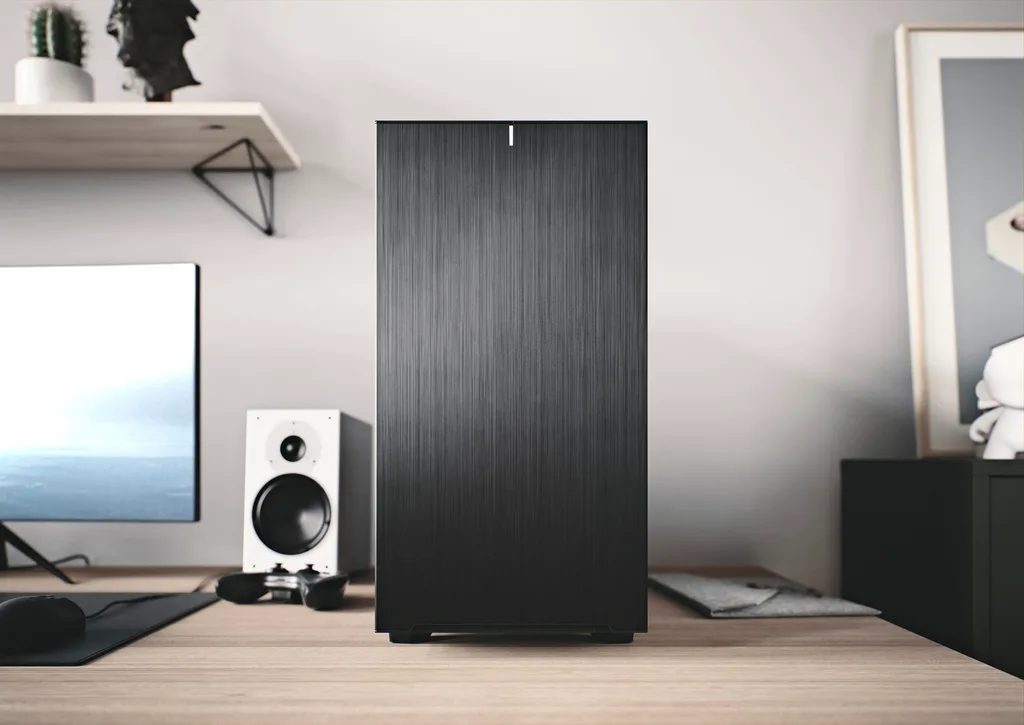
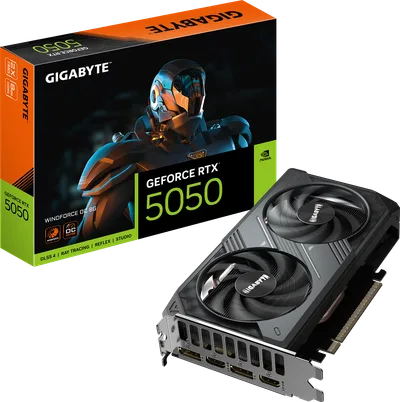
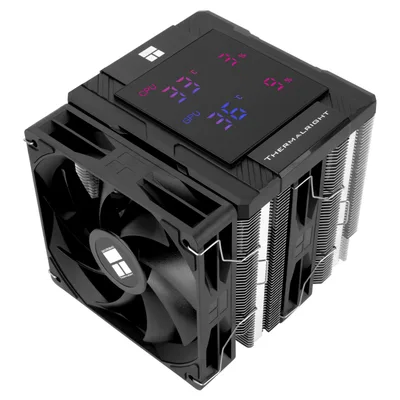
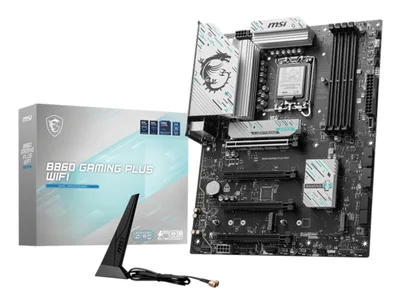

Catalogue photography — not a photo of this machine
This build pairs the powerful Core Ultra 9 285K with a Gigabyte RTX 5050 for smooth multitasking and rendering, all cooled by Thermalright's Peerless Assassin in a spacious Fractal Define 7.
- 01
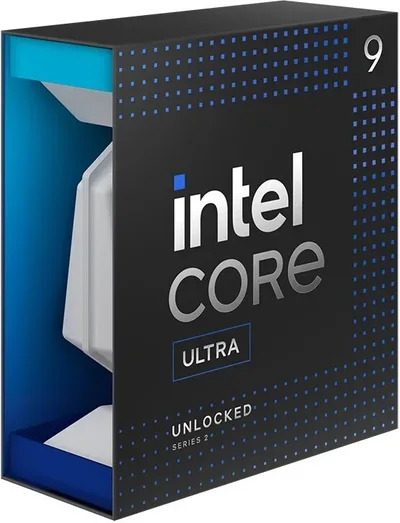 Intel Core Ultra 9 285KProcessorLGA1851 · 24c · 5.7GHz · 125W—
 - 02MSI B860 GAMING PLUS WIFIMotherboardLGA1851 · ATX · DDR5—
- 0332GB · DDR5-6000—
- 04162mm—
- 058GB · 199mm · 220W—
- 06
 ATX/mATX/ITX—
 - 07
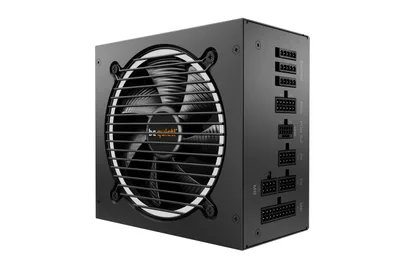 1000W · 80+ gold · ATX—
 - 08
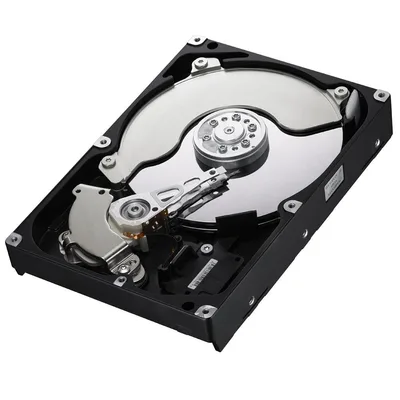 8000GB · SATA—
10 comments
I'm curious about the choice of the MSI B860 motherboard for this build—what specific features or expandability are you looking for with it?
Interesting build! I noticed the choice of the GeForce RTX 5050 with only 8GB VRAM—how do you plan to manage memory-heavy tasks?
@lotte_volt Thanks for noticing. I haven't tested memory-heavy tasks yet, so I'm still figuring out how it will handle them. Might upgrade if needed later.
@bram54 Looks like you're keeping options open with the RTX 5050—upgrading later makes sense if tasks push its limits.
Make sure to check your motherboard's BIOS settings to enable XMP for the DDR5 RAM to hit that 6000 speed smoothly.
@kevinnl Thanks, I’ll definitely check the BIOS for XMP—aiming to get that DDR5-6000 speed working right.
@bram54 Have you considered how the case fans will be configured for cooling, especially with the longer 199mm GPU and the additional storage?
@turbobench Thanks for asking! I haven't settled on the fan setup yet, but I'll make sure to configure them to keep the GPU and drives cool, especially with that 199mm card and the extra storage.
Good call on the fan setup—the 199mm GPU and that 8TB drive will definitely need proper airflow to stay stable.
@sem47 Agreed, the fan setup will be crucial with that 199mm GPU and the 8TB drive. Proper airflow will be key to keeping everything running smoothly.
Register and verify your email to join the conversation.