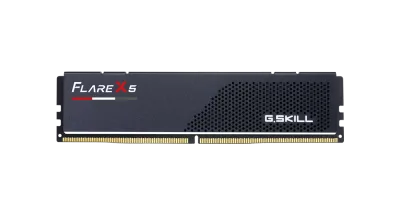
Catalogue photography — not a photo of this machine
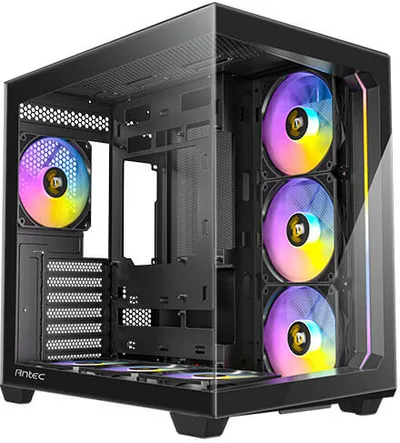
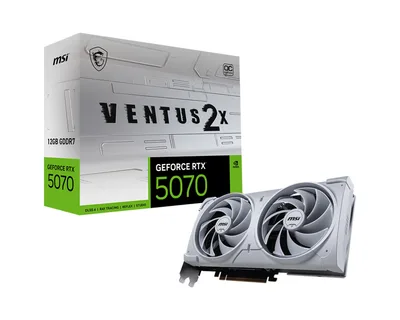
This build pairs the Ryzen 5 8600G with the MSI Ventus 2X OC for smooth 1080p gaming, all housed in the sleek Antec C5 ARGB with solid performance from 32GB G.Skill RAM.
- 01
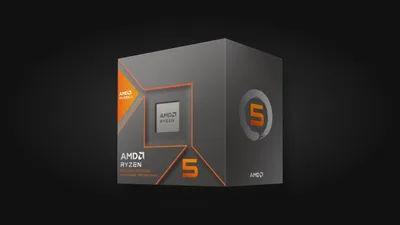 AMD Ryzen 5 8600GProcessorAM5 · 6c · 5GHz · 65W—
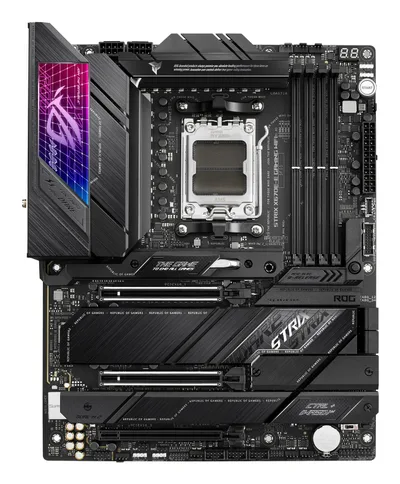
 - 02Asus ROG STRIX X670E-E GAMING WIFIMotherboardAM5 · ATX · DDR5—
- 0332GB · DDR5-5600—
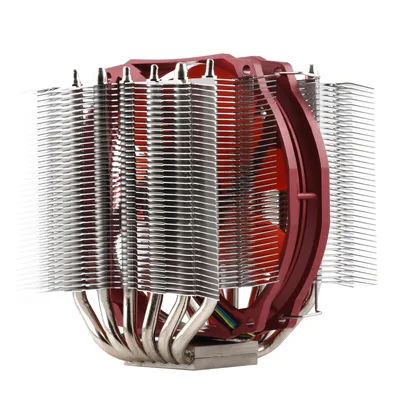
- 04130mm—
- 05MSI VENTUS 2X OCGraphics16GB · 242mm · 250W—
- 06
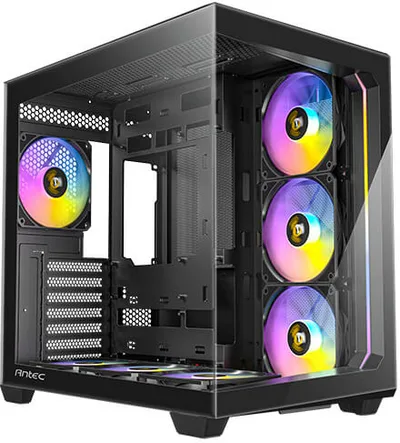 ATX/mATX/ITX—
 - 07
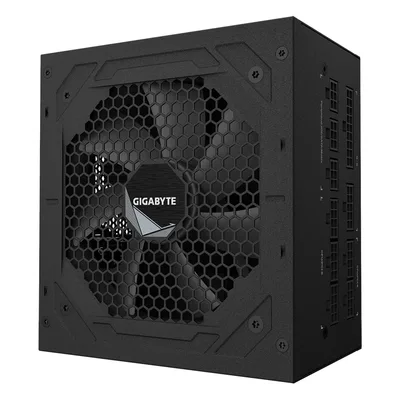 Gigabyte UD850GM-APower supply850W · 80+ gold · ATX—
 - 08
 Kingston A400Storage1920GB · SATA—
8 comments
Great selection of parts overall! Could you share what kind of games or applications you're mainly targeting with this 1080p setup? It would help in assessing potential bottlenecks or performance expectations.
@lotte88 I'm curious why you chose the Ryzen 5 8600G when pairing it with a high-end RTX 4070 Ti SUPER—what kind of balance are you aiming for there?
@thermalpaste Thanks for asking! I went with the 8600G mainly for its integrated graphics as a backup and the extra cores for multitasking, even though the 4070 Ti SUPER is the star for gaming. It’s a budget-friendly way to keep options open.
Make sure to update the BIOS before dropping in the 8600G, especially with that high-end motherboard, to ensure smooth CPU compatibility and access all features.
@niels48 Thanks for the reminder! I’ll plan to update the BIOS before installing the CPU to avoid any hiccups and get everything running smoothly.
@larsbuilds Good call on updating the BIOS first—especially with that X670E board, it’ll ensure you get full performance and features from the 8600G right out of the gate.
@joris38 Thanks! Updating the BIOS first is definitely on my to-do list to make sure everything runs smoothly from the start.
Updating the BIOS first is a smart move, especially with that X670E motherboard to ensure the 8600G works properly from the start.
Register and verify your email to join the conversation.