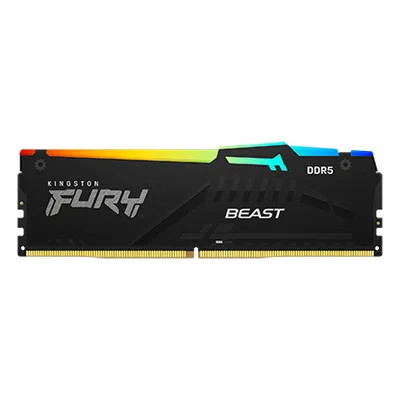
Catalogue photography — not a photo of this machine
Powered by the Ryzen 9 9950X3D and RTX 5070 Ti for seamless video editing and streaming, with ample DDR5 RAM and fast storage in a sleek Antec C8 case.
- 01
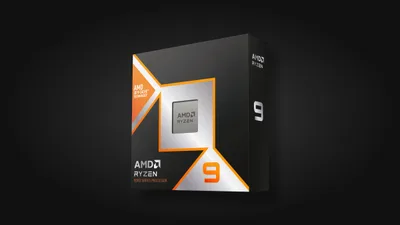 AMD Ryzen 9 9950X3DProcessorAM5 · 16c · 5.7GHz · 170W—
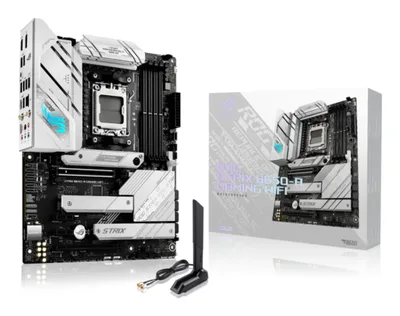
 - 02Asus ROG STRIX B650-A GAMING WIFIMotherboardAM5 · ATX · DDR5—
- 0332GB · DDR5-5600—
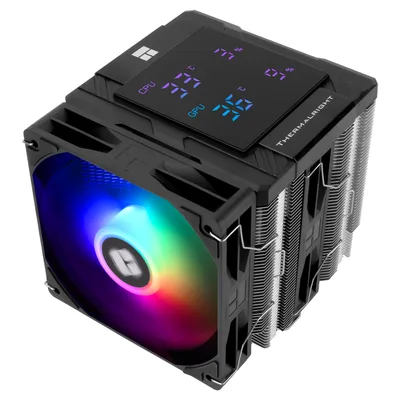
- 04162mm—
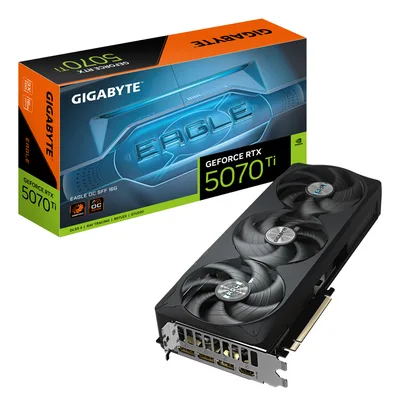
- 0516GB · 304mm · 220W—
- 06
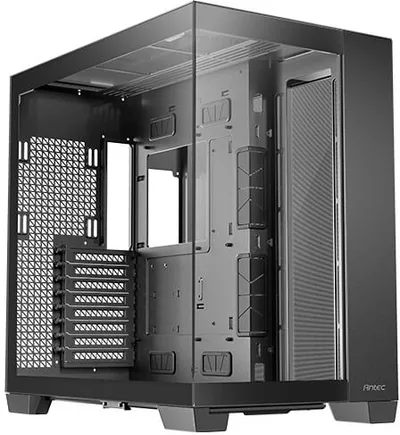
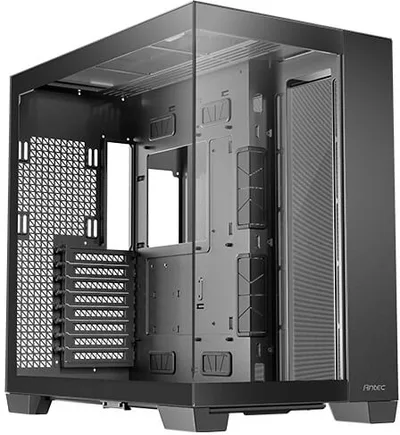 Antec C8 (Black)CaseE-ATX/ATX/mATX/ITX—
 - 07
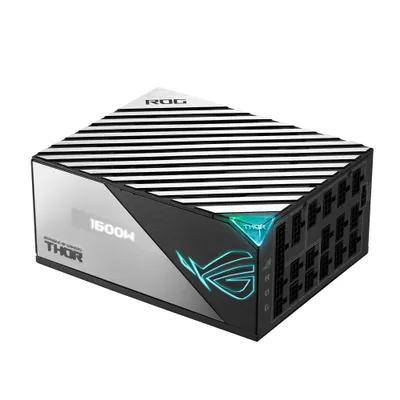 Asus ROG THOR 1600T GamingPower supply1600W · 80+ titanium · ATX—
 - 08
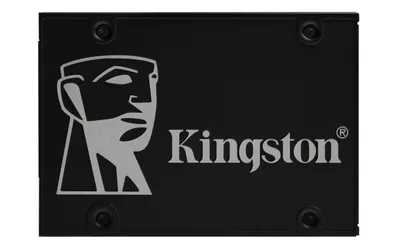 Kingston KC600Storage2048GB · SATA—
12 comments
Looks like a solid plan for content creation, especially with the Ryzen 9 9950X3D and that RTX 5070 Ti for demanding workloads. The Antec C8 should provide good airflow for the components you've chosen.
@maxbouwt Thanks! I went for the 9950X3D and RTX 5070 Ti to handle heavy rendering and video editing. The Antec C8 seemed like a good fit for keeping everything running smoothly.
@anna_core Makes sense for rendering and video editing; the 9950X3D and RTX 5070 Ti should handle those tasks well.
@sara_pixel Thanks! I'm hoping the combo will make short work of my rendering and editing projects. We'll see how it goes once I get everything assembled.
Curious why you chose the 32 GB RAM kit—do you expect to run particularly large projects, or could a smaller capacity work for your typical content creation tasks?
The 32 GB RAM should provide smooth handling for large rendering and video editing projects, especially with the Ryzen and RTX combo.
How do you plan to manage cable routing and airflow inside the Antec C8 to ensure optimal cooling for the 9950X3D and RTX 5070 Ti?
@daan_bench Thanks for the question! I haven't settled on a cable management plan yet, but I'll prioritize keeping cables tidy and using the case's routing options to maintain good airflow for the CPU and GPU.
Keep an eye on BIOS updates for the B650-A motherboard to ensure optimal support for the Ryzen 9 9950X3D and smooth integration with your DDR5 RAM.
@workhorse_pc Have you considered how the Antec C8's cooling capabilities will handle the heat output from both the 9950X3D and the RTX 5070 Ti during extended rendering sessions?
@itxfan Thanks for bringing that up. I haven't finalized my cooling strategy yet, but I'll be sure to plan for sufficient airflow and possibly add extra fans to manage heat during long rendering sessions.
@anna_core Sounds like a solid plan. Planning for extra airflow will definitely help keep the 9950X3D and RTX 5070 Ti running smoothly during those long rendering sessions.
Register and verify your email to join the conversation.