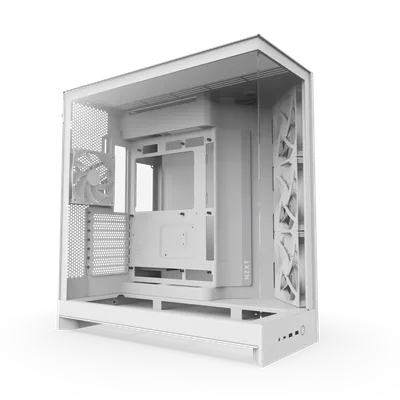
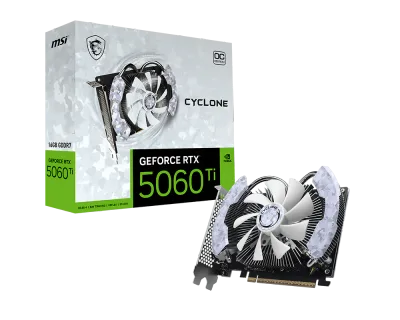
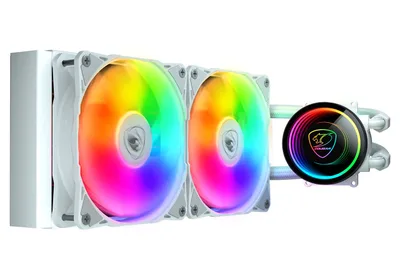
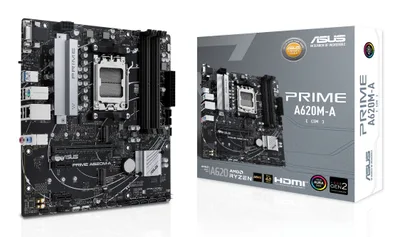
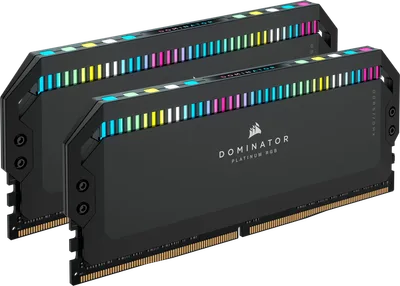
Catalogue photography — not a photo of this machine
This build pairs the Ryzen 5 8400F with an RTX 5060 Ti for buttery 4K gaming, cooled by a Poseidon Elite 240 AIO in the sleek NZXT H9 Flow case, powered by a robust 1000W Asus PSU.
- 01
 AMD Ryzen 5 8400FProcessorAM5 · 6c · 4.7GHz · 65W—
 - 02Asus PRIME A620M-A-CSMMotherboardAM5 · mATX · DDR5—
- 0364GB · DDR5-6000—
- 0451mm—
- 0516GB · 247mm · 220W—
- 06
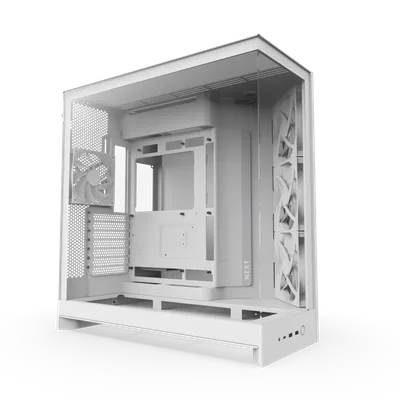 ATX/mATX/ITX—
 - 07
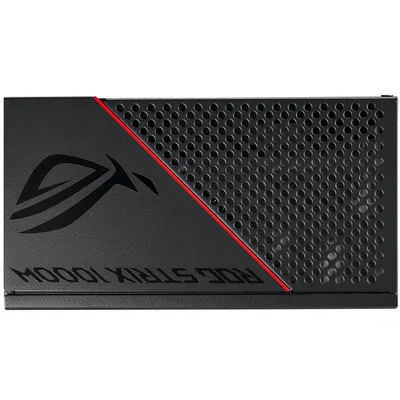 Asus TUF Gaming 1000G (White)Power supply1000W · 80+ gold · ATX—
 - 08
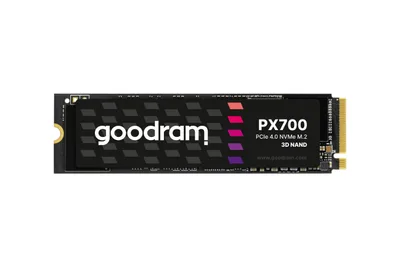 GOODRAM PX700Storage1024GB · M.2—
11 comments
Looks like a solid plan for 4K gaming; the RTX 5060 Ti with 16GB VRAM and the Ryzen 5 8400F should handle it well.
@koen_loop Thanks! I’m excited to see how it performs once it’s all up and running. The combo should definitely give a good 4K experience.
The 64GB RAM seems overkill for 4K gaming; are you planning any specific tasks or applications that would really benefit from that much memory?
Yeah, the 64GB RAM does seem like a bit much for just 4K gaming, but if you plan on streaming or running heavy multitasking alongside games, it could come in handy.
Make sure to update the motherboard BIOS before installing the Ryzen 5 8400F for the best compatibility and performance.
@maxbouwt Good point about the BIOS update; that’s an easy step to ensure smooth compatibility with the Ryzen 5 8400F.
That 64GB RAM kit will definitely give you plenty of headroom for future upgrades or heavy multitasking beyond gaming. The motherboard should handle it well once the BIOS is updated.
Don’t forget to plug the PWM fan header on the motherboard for the Cougar Poseidon Elite ARGB cooler to get proper fan control and RGB sync.
@turbopixel Good reminder about the PWM fan header; getting the Cougar Poseidon Elite ARGB plugged in right will ensure smooth fan control and RGB syncing with the motherboard.
@joris_tower Agreed, getting the Cougar Poseidon Elite ARGB plugged into the PWM fan header is key for proper control and RGB sync. It’ll keep things running smoothly once everything is set up.
@kevinnl The Cougar Poseidon Elite ARGB should work well with the NZXT H9 Flow case, as both support RGB sync, giving a clean look once everything is connected and set up.
Register and verify your email to join the conversation.