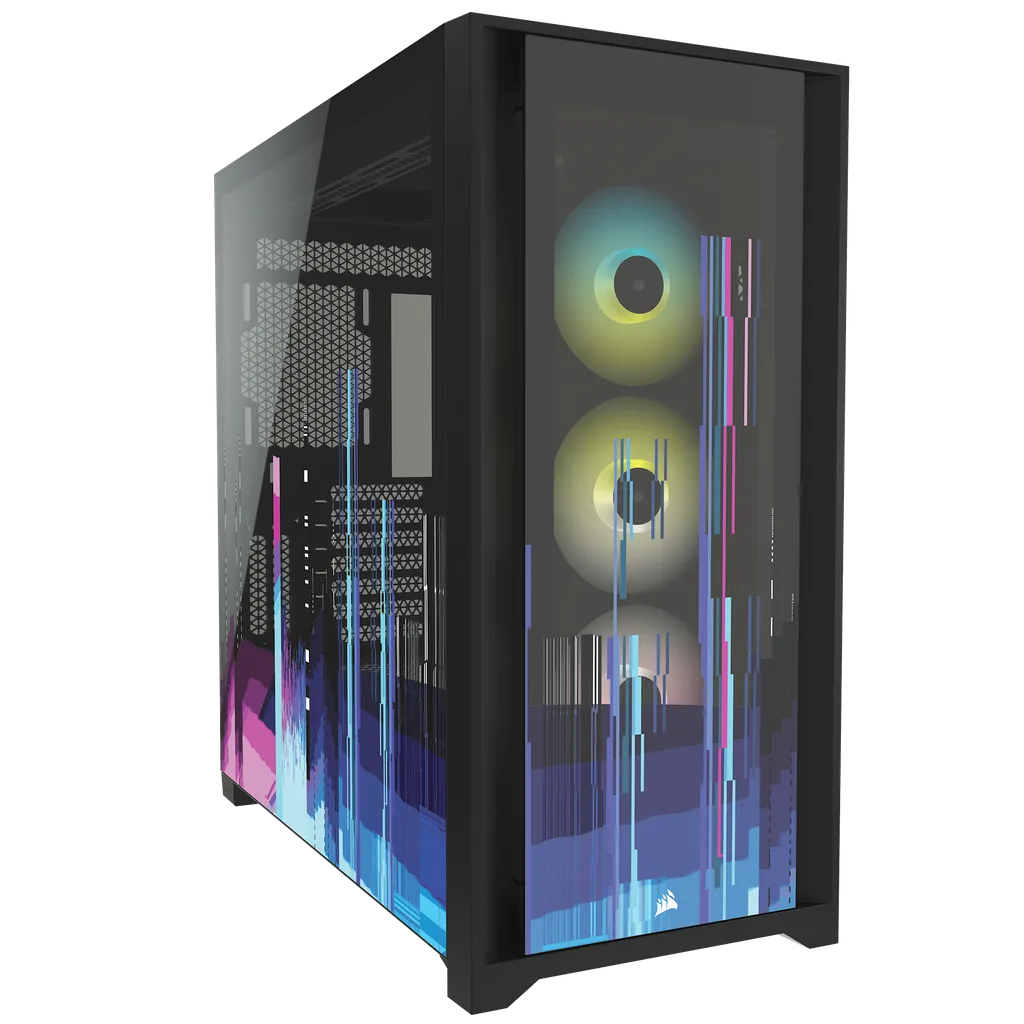
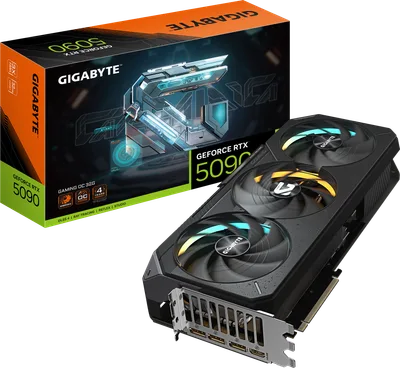
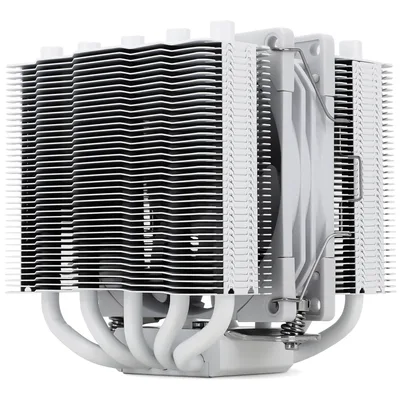
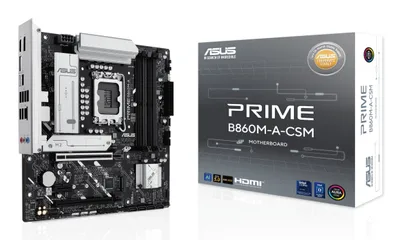
Catalogue photography — not a photo of this machine
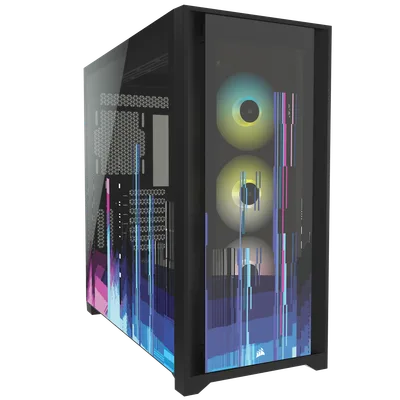
This build pairs the Intel Core Ultra 7 265F with a Gigabyte RTX 5090 for smooth 1440p gaming, cooled by a Thermalright Silver Soul 110 in a sleek Corsair iCUE 5000X RGB case.
- 01
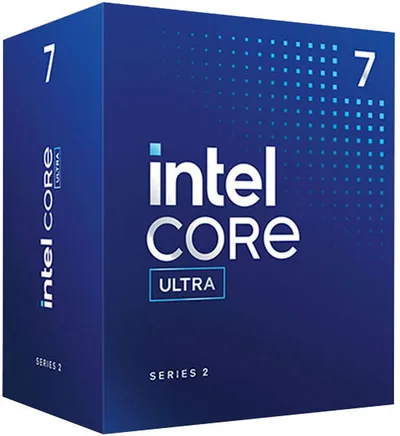 Intel Core Ultra 7 265FProcessorLGA1851 · 20c · 5.3GHz · 65W—
 - 02Asus PRIME B860M-A WIFI-CSMMotherboardLGA1851 · mATX · DDR5—
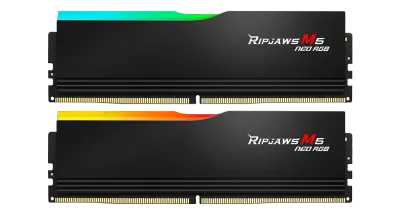
- 0332GB · DDR5-6000—
- 04110mm—
- 0532GB · 342mm · 220W—
- 06
 ATX/mATX/ITX—
 - 07
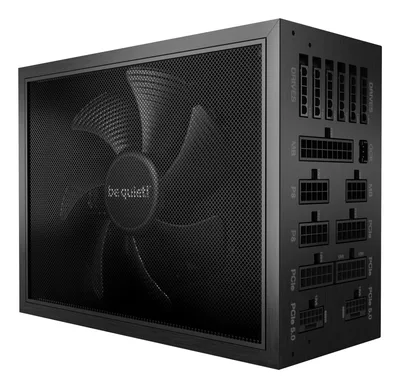 850W · 80+ titanium · ATX—
 - 08
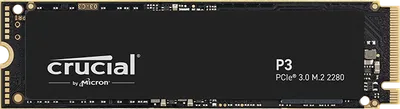 Crucial P3Storage1000GB · M.2—
10 comments
Make sure to check your motherboard's BIOS for any updates to ensure compatibility with the 5090 right out of the box.
@larsbuilds Good call on the BIOS check—especially with a new GPU like the RTX 5090, you’ll want everything running smoothly from the start.
@jesse_cache I'm curious about the choice of the 32 GB RAM kit—do you anticipate needing that much for your typical gaming tasks, or is it more for future-proofing?
@itxfan Thanks for asking! I went with 32 GB mostly for future-proofing, especially since I like to keep my builds for a few years and want to make sure it can handle whatever comes next.
The 32 GB RAM will give you plenty of headroom for multitasking and future games, especially at 1440p where memory usage can spike.
That 850W titanium PSU should provide plenty of headroom for your 5090, especially with future upgrades in mind.
With a 5090 and a high-airflow case, you should have good cooling potential—do you have a plan for monitoring temperatures and noise levels once it's up and running?
@femke_core Agreed, the high-airflow case should help with cooling. Once built, monitoring temps and noise with software tools will be key to ensuring everything runs smoothly.
The 32 GB RAM is a smart move for future-proofing, especially if you plan to keep the build for several years and want to handle more demanding games and multitasking down the line.
The 850W titanium PSU is a solid choice for headroom, particularly with the RTX 5090's power demands—just remember to monitor efficiency under load once the system is built.
Register and verify your email to join the conversation.